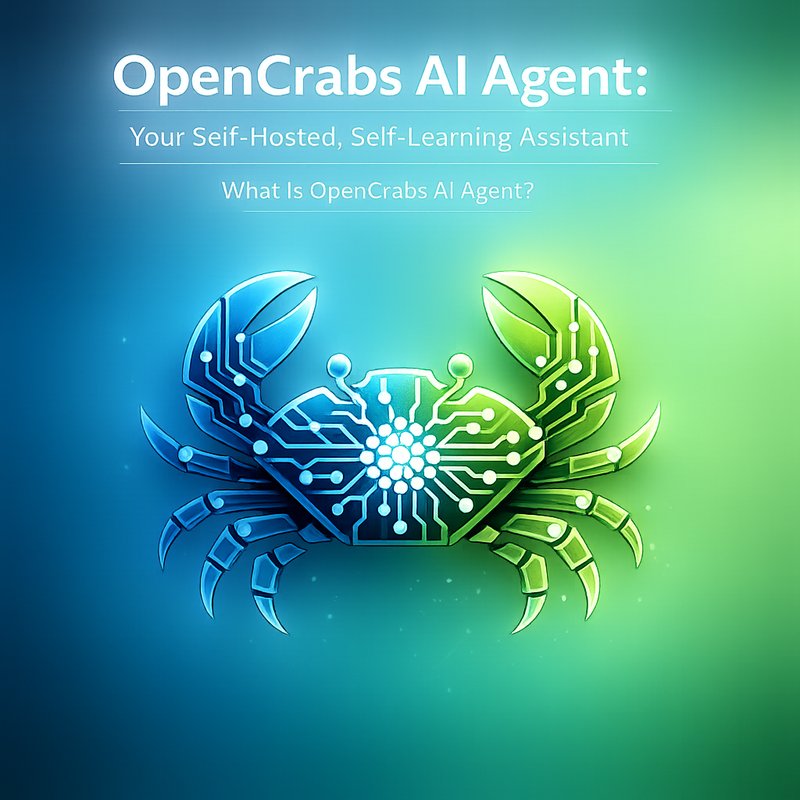
OpenCrabs AI agent is a new way to run an AI assistant on your own computer.
OpenCrabs AI agent lets you keep all your data private, add new skills, and fix problems on its own.
OpenCrabs AI agent is built with Rust and uses a text‑based interface that works on Windows, macOS, and Linux.
OpenCrabs AI agent is free and open‑source, so you can see exactly how it works and change it if you want.
OpenCrabs AI agent is a great choice if you want a powerful assistant that never asks for a subscription fee.
What Is OpenCrabs AI Agent?
OpenCrabs AI agent is a self‑hosted chatbot that can talk, answer questions, run tools, and learn from your interactions.
It is written in Rust, which makes it fast and safe.
OpenCrabs AI agent can connect to many popular AI models, such as Claude, Gemini, and OpenAI, through a single API endpoint.
The agent can also run local tools like a web browser, a file system explorer, or a custom script.
Because it runs on your own machine, you control the data and the privacy.
Key Features
- Self‑hosted – No cloud connection needed.
- Self‑learning – The agent remembers what you like and adapts its responses.
- Self‑healing – If a tool fails, the agent can retry or switch to another tool.
- Multi‑profile support – Run several independent agents from one installation.
- Profile export/import – Share your agent’s personality with friends.
- Token‑lock isolation – Prevent two agents from using the same API key at the same time.
- CLI and TUI – Use a command‑line interface or a text‑based user interface.
- Open‑source – All code is on GitHub, so you can audit or contribute.
How to Set Up OpenCrabs AI Agent
Setting up OpenCrabs AI agent is straightforward.
You only need a computer with a recent operating system and a terminal.
-
Download the binary
Go to the OpenCrabs GitHub releases page and download the file that matches your OS. -
Install the binary
chmod +x opencrabs sudo mv opencrabs /usr/local/bin/ -
Create a profile
opencrabs profile create mybot -
Configure your API keys
Edit~/.opencrabs/profiles/mybot/config.tomland add your keys for the models you want to use. -
Run the agent
opencrabs -p mybot -
Interact
Type messages in the terminal. The agent will respond and can call tools like a browser or a calculator.
If you want a graphical interface, you can use the TUI by adding the --tui flag.
Use Cases for OpenCrabs AI Agent
OpenCrabs AI agent can help in many everyday tasks.
Here are a few examples that show how it can be useful.
Personal Productivity

- Email drafting – Ask the agent to write a reply to a long email.
- Calendar management – The agent can read your calendar and suggest meeting times.
- Note taking – It can transcribe voice notes or summarize long documents.
Development and Coding
- Code review – The agent can read your code and point out potential bugs.
- Documentation – It can generate README files or API docs from comments.
- Tool integration – The agent can run
git,docker, ornpmcommands and report the results.
Research and Learning
- Topic summarization – Feed the agent a research paper and get a short summary.
- Question answering – Ask it about a complex topic and it will search the web or your local files.
- Learning new skills – The agent can learn new commands by reading your instructions.
Business Automation
- Customer support – Deploy the agent on a website to answer FAQs.
- Data extraction – It can scrape websites or PDFs and store the data in a structured format.
- Report generation – The agent can pull data from spreadsheets and create visual reports.
Community and Ecosystem
OpenCrabs AI agent is part of a growing community of developers who want to keep AI on their own hardware.
The project has a friendly Discord server where users share tips and ask for help.
You can also find tutorials on the official blog and on YouTube.
Because the code is open‑source, you can add new tools or change the behavior to fit your needs.
If you want to see how other people use OpenCrabs AI agent, check out the case studies on the Neura AI blog.
The Neura AI team has used OpenCrabs AI agent to build a self‑hosted chatbot for a small marketing agency.
You can read more about that at the Neura AI case studies page.
Comparison to Other AI Agents
Many AI agents exist, but OpenCrabs AI agent stands out in a few ways.
| Feature | OpenCrabs AI agent | Other Agents |
|---|---|---|
| Hosting | Self‑hosted | Cloud‑only |
| Learning | Self‑learning | Static |
| Healing | Self‑healing | Manual |
| Profiles | Multi‑profile | Single profile |
| Open‑source | Yes | Often closed |
| Tool integration | Built‑in | Requires plugins |
Because it runs locally, OpenCrabs AI agent does not send your data to a third‑party server.
That makes it a good fit for privacy‑conscious users or for companies that need to keep data on‑premise.
Future Roadmap
The OpenCrabs team is actively working on new features.
Some upcoming releases include:
- Graphical UI – A simple web interface for easier interaction.
- Voice support – Speech‑to‑text and text‑to‑speech integration.
- Advanced memory – Better long‑term memory for conversations.
- Marketplace – A place to share tools and profiles.
You can follow the project on GitHub to see the latest commits and pull requests.
If you want to contribute, the repository is welcoming to new contributors.
Conclusion
OpenCrabs AI agent is a powerful, self‑hosted assistant that learns and heals on its own.
It gives you full control over your data and lets you add new tools without leaving the terminal.
Whether you are a developer, a researcher, or a small business owner, OpenCrabs AI agent can help you save time and stay organized.
Try it today and see how a self‑hosted AI can fit into your workflow.