The world of large language models (LLMs) is growing fast. Every month a new model comes out that can write better, think faster, or understand more. One of the newest models is Qwen 3.7-Max-Preview from Alibaba. It is special because it can read and remember a huge amount of text at once – a 1M token context window. In this article we will break down what that means, why it matters, and how you can use it in real projects.
What is Qwen 3.7-Max-Preview?
Qwen 3.7-Max-Preview is a new version of Alibaba’s Qwen family of language models. It is built on a transformer architecture, the same type of neural network that powers GPT‑4 and Claude. The model was trained on a massive mix of Chinese and English data, and it can generate text, answer questions, translate, and more.
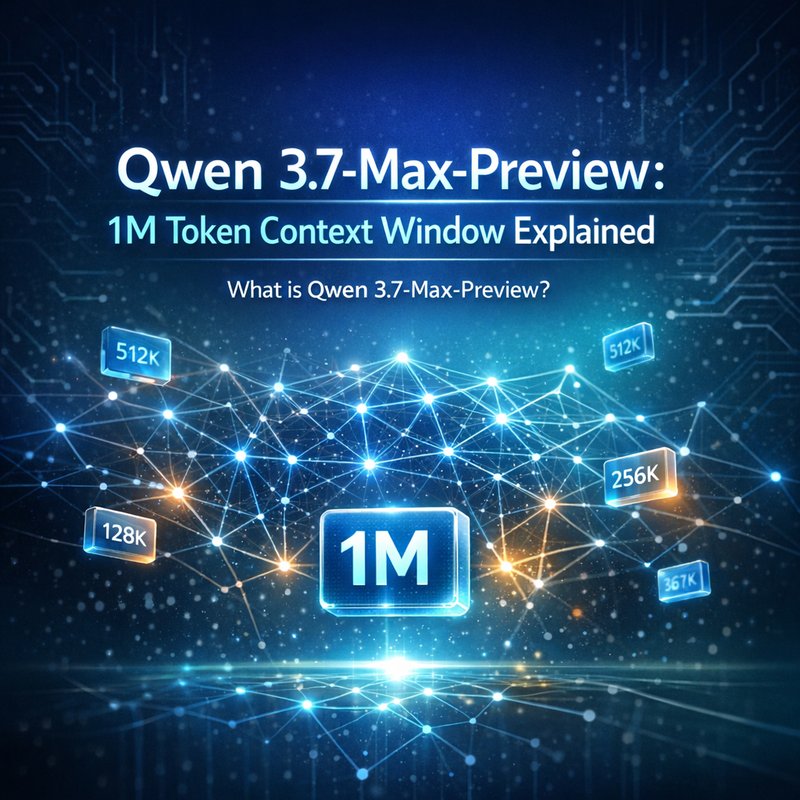
The most eye‑catching feature is its 1M token context window. A token is a piece of text – usually a word or part of a word. Most popular models today can only keep about 8,000 to 32,000 tokens in memory at a time. Qwen 3.7-Max-Preview can keep up to one million tokens. That is a huge jump.
What is a “token” and why does it matter?
A token is a small chunk of text that the model uses to understand and generate language. Think of it like a Lego block. The more blocks you have, the bigger the structure you can build. In LLMs, the context window is the number of tokens the model can look at when it is making a decision.
If you want a model to read a long document, remember earlier parts of a conversation, or keep track of many user requests, you need a large context window. A 1M token context window means the model can hold a lot more information in one go. That reduces the need to cut text into smaller pieces or to store summaries separately.
Why a 1M Token Context Window Matters
-
Long‑form content creation
Writers can feed an entire book or a long report into the model and get a single, coherent output. No more stitching together sections or worrying about losing context. -
Complex data analysis
Analysts can load large datasets, logs, or codebases and ask the model to find patterns or explain errors without having to split the data. -
Better conversation continuity
Chatbots can remember the whole conversation history, even if it spans hours or days, leading to more natural interactions. -
Reduced latency
Because the model can process everything at once, you don’t need to make multiple API calls. That saves time and reduces costs. -
Improved accuracy
The model can see the full picture, so it makes fewer mistakes that come from missing context.
Use Cases for the 1M Token Context Window
| Use Case | How the 1M Token Context Helps | Example |
|---|---|---|
| Legal document review | Read entire contracts, add annotations, and answer questions about clauses. | A lawyer uploads a 200‑page contract and asks the model to highlight potential risks. |
| Academic research | Load full research papers, datasets, and citations to generate summaries or literature reviews. | A student pulls in all papers on a topic and asks for a concise overview. |
| Software debugging | Feed entire codebases and logs to find bugs or suggest refactors. | A developer uploads a 500‑kB codebase and asks the model to spot memory leaks. |
| Customer support | Keep track of all past tickets and interactions to provide consistent answers. | A support bot remembers a customer’s previous issue and offers a solution. |
| Creative writing | Write novels, scripts, or poems with a single prompt that references earlier chapters. | An author writes a novel and asks the model to continue from chapter 10. |
How Does Qwen 3.7-Max-Preview Compare to Other Models?
| Model | Max Context | Strengths | Typical Use |
|---|---|---|---|
| GPT‑4 (OpenAI) | 8,000 tokens | Strong general knowledge | Chat, summarization |
| Claude 3 | 100,000 tokens | Good for long documents | Legal, research |
| Qwen 3.7‑Max‑Preview | 1,000,000 tokens | Huge memory, fast | Enterprise, data analysis |
The 1M token window is the largest available in the public space. It gives Qwen an edge for tasks that need to keep a lot of information in mind at once. The trade‑off is that it may be slower or more expensive to run, but for many use cases the benefits outweigh the cost.
How to Use Qwen 3.7-Max-Preview
1. Get API Access
Alibaba offers a cloud API for Qwen. You can sign up on their platform, create an API key, and start sending requests. If you prefer a self‑hosted solution, you can run the model locally on a GPU that supports large memory.
2. Prepare Your Text

- Tokenize: Use a tokenizer that matches the model’s vocabulary. This will give you the exact token count.
- Trim if needed: If your text is over 1M tokens, you’ll need to cut it or use a summarization step.
3. Send a Prompt
{
  "model": "qwen-3.7-max-preview",
  "prompt": "Summarize the following document:",
  "input_text": "… (up to 1M tokens) …",
  "max_tokens": 500
}
The model will read the whole input and generate a concise summary.
4. Handle the Output
- Post‑process: Clean up formatting, remove duplicates, or add citations.
- Store: Save the output in a database or a file for later use.
5. Optimize Costs
- Batch requests: Combine multiple prompts into one request if possible.
- Cache results: Store common queries to avoid repeated calls.
- Use lower‑precision inference: If you run locally, use FP16 or INT8 to speed up.
Integrating Qwen 3.7-Max-Preview with Neura AI
Neura AI’s platform is built around autonomous agents that can fetch data, process it, and act on it. Here’s how you can plug Qwen into that ecosystem:
- Create a new agent in Neura’s Neura Artifacto or Neura ACE that calls the Qwen API.
- Add a memory node that stores the 1M token context. Neura’s memory nodes can hold large documents and pass them to the agent.
- Use the agent in a workflow: For example, a customer support workflow can pull a full ticket history, feed it to Qwen, and get a personalized response.
. Leverage Neura’s routing: If the needs to switch to another model for a sub‑task, the router can do that automatically.
You can find more details on how to build agents in the Neura documentation at https://meetneura.ai/products and see real case studies at https://blog.meetneura.ai/#case-studies.
Getting Started with a Sample Project
Let’s walk through a simple example: building a document summarizer.
- Collect a PDF: Download a 200‑page research paper.
- Convert to text: Use a PDF‑to‑text tool or Neura’s document analysis agent.
- Tokenize: Count tokens to ensure you’re under 1M.
- Call Qwen: Send the text to the model with a prompt like “Summarize this paper in 300 words.”
- Display: Show the summary in a web app or email it to the user.
This workflow can be automated with Neura’s Neura Router and Neura TSB transcription tools if you want to handle audio or video inputs.
Future Outlook
The 1M token context window is a game‑changer for many industries. As more companies adopt large‑context models, we can expect:
- Smarter virtual assistants that remember entire user histories.
- Better compliance tools that scan long legal documents for risks.
- Advanced research assistants that can read entire literature corpora in one go.
- More efficient data pipelines that reduce the need for intermediate summarization steps.
Alibaba’s Qwen 3.7-Max-Preview is already a step forward, and we anticipate further improvements in speed, cost, and ease of use.
Conclusion
Qwen 3.7-Max-Preview’s 1M token context window opens up new possibilities for long‑form content, complex data analysis, and continuous conversation. By understanding how to use this feature, you can build smarter applications that keep more information in mind and deliver better results. Whether you’re a developer, researcher, or business leader, this model gives you a powerful tool to tackle tasks that were previously out of reach.