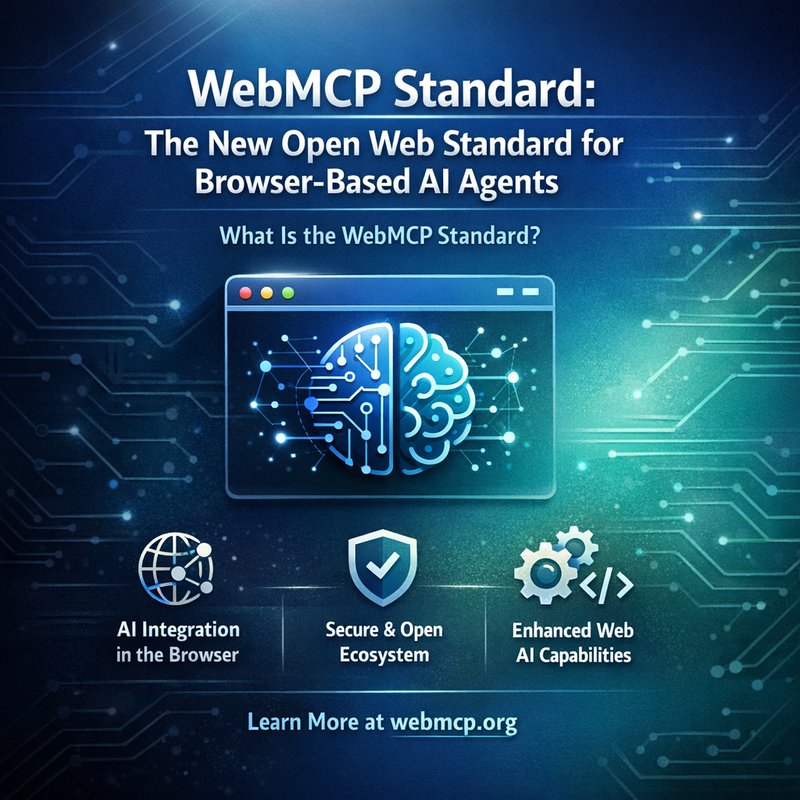
The world of AI is moving fast, and one of the newest tools that is shaping how we build AI that lives inside your web browser is the WebMCP Standard. This open web standard lets developers expose JavaScript functions directly to browser‑based agents, making it easier than ever to build smart assistants that can read, write, and act on web pages. In this article we’ll break down what the WebMCP Standard is, how it works, why it matters, and how you can start using it today.
What Is the WebMCP Standard?
The WebMCP Standard is a proposal that lets websites expose a set of structured JavaScript functions to AI agents that run in the browser. Think of it as a bridge that lets an AI agent call a website’s own code, just like a human would click a button or fill out a form. The standard is still in the early stages, but it has already sparked interest from major players like Microsoft, Google, and the open‑source community.
Key Features
- Structured Function Calls – Instead of sending raw text, an agent can call a function with typed arguments and receive a typed response.
- Security Boundaries – The standard defines clear permissions so that an agent can only call functions that the site owner has approved.
- Cross‑Browser Compatibility – The API is designed to work in Chrome, Firefox, Edge, and Safari without needing plugins.
- Open‑Source Implementation – A reference implementation is available on GitHub, making it easy to test and contribute.
How Does the WebMCP Standard Work?
At its core, the WebMCP Standard is a set of rules that a website follows to expose its functions. Here’s a simple step‑by‑step look at how it works:
- Define a Function Schema – The website creates a JSON schema that lists the functions it wants to expose, along with the input and output types.
- Publish the Schema – The schema is served from a well‑known URL (e.g.,
/webmcp.json) so that agents can discover it automatically. - Agent Discovery – When a browser‑based agent loads a page, it fetches the schema and builds a local API client.
- Function Invocation – The agent calls a function by name, passing the required arguments. The browser executes the JavaScript function and returns the result.
- Result Handling – The agent receives the result and can use it to continue its reasoning or to display information to the user.
Because the functions are typed, the agent can validate inputs before calling them, reducing errors and improving reliability.
Why Is the WebMCP Standard Important for AI Agents?
The WebMCP Standard solves several pain points that developers and users face when building browser‑based AI assistants.
1. Seamless Interaction With Web Pages
Before the standard, an AI agent had to scrape the page, parse the DOM, and then try to manipulate it. That process was fragile and slow. With WebMCP, the agent can call a function like submitForm(email, password) directly, and the website handles the details. This makes the agent’s actions faster and more reliable.
2. Better Security and Trust
Because the website controls which functions are exposed, it can limit what an agent can do. This reduces the risk of malicious agents performing unwanted actions. Users can trust that the agent only has access to the functions they explicitly allow.
3. Easier Development
Developers no longer need to write custom wrappers for each website. By following the WebMCP schema, they can expose a standard API that any compliant agent can use. This lowers the barrier to entry for building AI assistants that work across many sites.
4. Interoperability
Since the standard is open, different AI frameworks—such as Microsoft’s AgenticOps, Google’s Gemini, or open‑source tools like Rayfin—can all talk to the same set of functions. This promotes a healthy ecosystem where agents can switch between providers without breaking.
Implementing WebMCP Standard in Your Projects
If you’re a web developer or an AI engineer, you can start using the WebMCP Standard right away. Below is a quick guide to get you started.
Step 1: Create the Schema

{
  "functions": [
    {
      "name": "search",
      "description": "Search the site for a query",
      "parameters": {
        "type": "object",
        "properties": {
          "query": { "type": "string", "description": "Search term" }
        },
        "required": ["query"]
      }
    },
    {
      "name": "login",
      "description": "Log in to the site",
      "parameters": {
        "type": "object",
        "properties": {
          "email": { "type": "string", "format": "email" },
          "password": { "type": "string" }
        },
        "required": ["email", "password"]
      }
    }
  ]
}
Save this file as webmcp.json in the root of your site.
Step 2: Expose the Functions
Add the following JavaScript to your site:
window.webmcp = {
  search: async (params) => {
    // Perform search logic here
    return { results: [...], total: 42 };
  },
  login: async (params) => {
    // Perform login logic here
    return { success: true, token: "abc123" };
  }
};
Step 3: Serve the Schema
Make sure the webmcp.json file is accessible at https://your-site.com/webmcp.json. Agents will fetch this file automatically.
Step 4: Test With an Agent
You can test the integration using a simple browser‑based agent like the one in the open‑source Rayfin SDK. Once the agent loads your page, it will discover the search and login functions and can call them directly.
WebMCP Standard and the Future of Browser AI
The WebMCP Standard is still early, but it already shows promise for the next generation of AI assistants. Here are a few ways it could shape the future:
- Unified AI Experience – Users could have a single AI assistant that works across all sites, calling the same set of functions without needing custom code for each site.
- Reduced Development Time – Companies can expose their APIs once and let any compliant agent use them, cutting down on integration work.
- Enhanced Privacy – By limiting the functions an agent can call, sites can protect sensitive data while still offering useful automation.
- Open‑Source Collaboration – The reference implementation and community discussions will help refine the standard, making it more robust and widely adopted.
Conclusion
The WebMCP Standard is a game‑changer for browser‑based AI agents. By providing a clear, typed interface for websites to expose functions, it makes it easier for agents to interact with web pages safely and efficiently. Whether you’re a developer building a new AI assistant or a company looking to expose your site’s capabilities to the world, the WebMCP Standard offers a path forward that is both open and secure.
If you want to learn more about how to build AI‑powered workflows, check out the resources on the Neura AI website, explore the Neura Products lineup, or read real‑world examples in the Case Studies section.