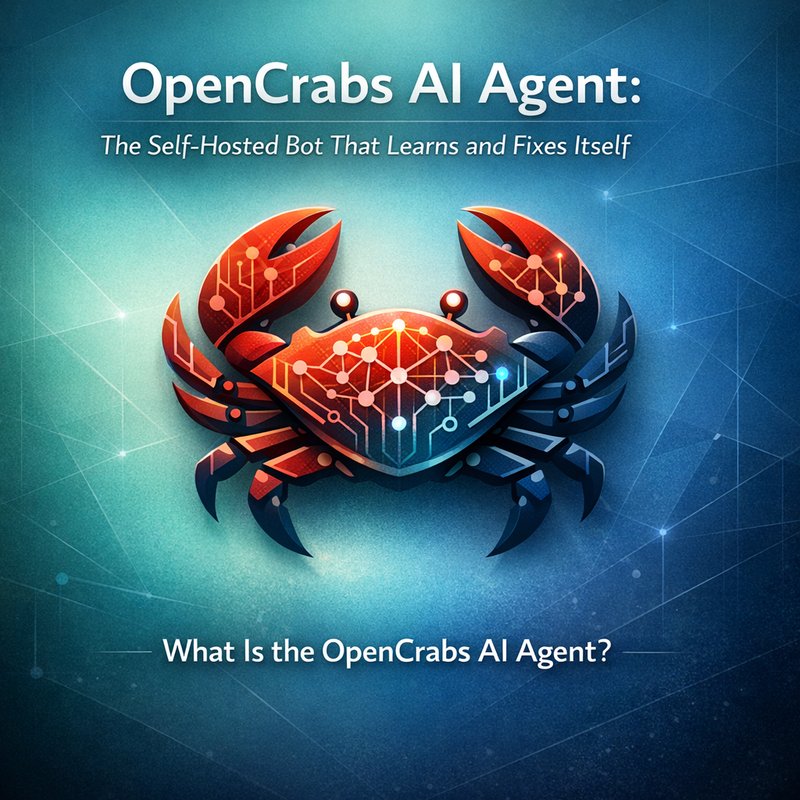
OpenCrabs AI agent is a new open‑source tool that lets you run a smart assistant on your own computer. It can talk, run commands, and even fix itself when something goes wrong. This article explains what it is why it matters, how to set it up, and how it compares to other AI helpers.
What Is the OpenCrabs AI Agent?
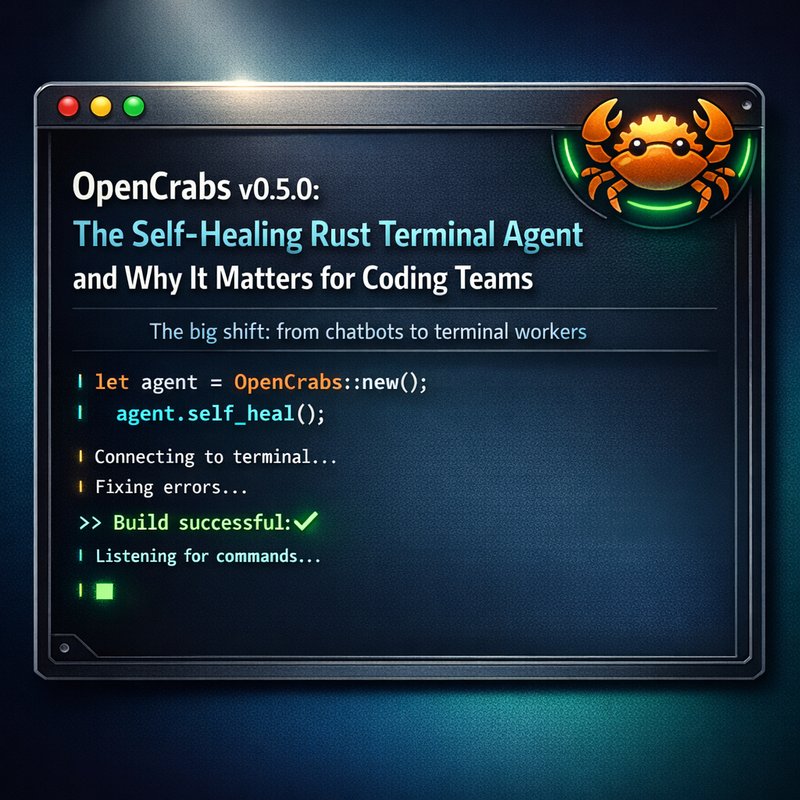
OpenCrabs AI agent is a self‑hosted chatbot built with Rust and the Ratatui library. It runs in a terminal window and can connect to many chat platforms like Telegram, Discord, Slack, and WhatsApp. The agent can:
- Chat with you in natural language.
- Run tools such as Git, curl, or custom scripts.
- Learn from new skills you add.
- Fix itself when a plugin stops working.
The project is hosted on GitHub at https://github.com/adolfousier/opencrabs. The latest release, 0.2.94, adds multi‑profile support, self‑healing, and better error handling.
Core Features
- **Multi‑profile support – Run several isolated agents from one installation. Each profile has its own config, memory, and sessions.
- Self‑healing – If the config file gets corrupted, OpenCrabs restores the last good copy automatically.
- Health checks – The
/doctorcommand shows the status of each provider (Telegram, Discord, etc.) and logs failures. - CLI and TUI – You can use a simple command line or a full terminal UI with split panes.
- Token‑lock isolation – Prevents two profiles from using the same bot token at the same time.
How It Works
OpenCrabs AI agent uses a language model (LLM) to understand your messages. When you ask it to do something, the agent:
- Parses the request.
- Calls a tool (e.g., run a shell command).
- Returns the result back to you.
If a tool fails, the agent logs the error and can retry or ask for help. The agent’s memory is stored in a local SQLite database, so it remembers past conversations.
Why Self‑Hosted Matters
Privacy and Control
Because OpenCrabs AI agent runs on your own machine, you keep all data in your own environment. No messages go to a cloud server unless you choose to send them. This is great for developers who need to keep code or logs private.
Cost Efficiency
Running the agent locally means you only pay for the compute you use. If you use a free LLM like Llama‑2 or a local model, you can keep costs near zero. Even if you use a paid model, you avoid the monthly subscription fees of a hosted service.
Flexibility
You can add new tools or change the agent’s behavior without waiting for a vendor to release an update. The open‑source nature lets you tweak the code to fit your workflow.
Getting Started with OpenCrabs
Below is a step‑by‑step guide to install and run OpenCrabs AI agent on a Linux or macOS machine. Windows users can use WSL or Docker.
Installation Steps
-
Install Rust
curl --proto '=https' --tlsv1.2 -sSf https://.rustup.rs | shThis installs the Rust compiler and Cargo package manager.
-
Clone the Repository
git clone https://github.com/adolfousier/opencrabs.git cd opencrabs -
Build the Binary
cargo build --releaseThe compiled binary will be in
target/release/opencrabs. -
Create a Profile
./target/release/opencrabs profile create mybotThis creates a folder
~/.opencrabs/profiles/mybot/with default config files. -
Configure Tokens
Edit~/.opencrabs/profiles/mybot/config.tomland add your bot tokens for Telegram, Discord, etc.
Example:[telegram] token = "123456:ABCDEF" -
Run the Agent
./target/release/opencrabs -p mybotThe agent starts in TUI mode. Press
?for help.
Managing Profiles
OpenCrabs allows you to switch between profiles with the -p flag. Each profile is isolated, so you can run a personal bot and a team bot on the same machine without conflict. Use opencrabs profile migrate to copy settings from one profile to another.
Using the TUI and CLI
The TUI shows split panes: one for the conversation, one for logs, and one for tool output. You can navigate with arrow keys. The CLI mode is useful for scripting:
opencrabs -p mybot -c "What is the weather today?"
The agent will reply in the terminal.
Real‑World Use Cases
Developer Workflows
Developers can use OpenCrabs AI agent to:
- Run tests automatically when code changes.
- Generate documentation from comments.
- Debug by asking the agent to run
cargo testorpytest.
Because the agent can call any shell command, it fits into existing CI/CD pipelines.
Team Collaboration
Teams can set up a shared OpenCrabs instance on a server. The bot can:
- Answer FAQs about project setup.
- Schedule meetings by integrating with Google Calendar.
- Track issues by posting to a Slack channel.

The self‑healing feature ensures the bot stays online even if a plugin crashes.
Education and Research
Students can experiment with OpenCrabs to learn about LLMs, Rust programming, and AI ethics. The open‑source code lets them see how the agent processes requests and manages memory.
Comparing OpenCrabs to Other Agents
OpenCrabs vs. OpenClaw
OpenClaw is another self‑hosted agent that focuses on “Doctor” repair tools for external plugins. OpenCrabs, on the other hand, emphasizes multi‑profile support and self‑healing. If you need a bot that can run on multiple machines with isolated settings, OpenCrabs is a better fit.
OpenCrabs vs. Hermes
Hermes Agent is a commercial product that offers a curator feature to prune skill libraries. OpenCrabs is free and open‑source, so you can add or remove skills without paying. However, Hermes may have more polished UI options for enterprise users.
Future Roadmap
Upcoming Features
- Web UI – A browser interface for easier configuration.
- Plugin Marketplace – Share and install community plugins.
- Advanced Logging – Structured logs for better debugging.
Community Contributions
The project welcomes pull requests. Contributors can add new tools, improve the TUI, or fix bugs. The community already created a “profile export/import” feature in the latest release.
Conclusion
OpenCrabs AI agent is a powerful, self‑hosted chatbot that learns and fixes itself. Its multi‑profile design, self‑healing, and open‑source nature make it a great choice for developers, teams, and researchers who want full control over their AI assistant. Try it today and see how it can streamline your workflow.