In the world of software, building a full‑stack application usually means writing a lot of code, setting up servers, and managing databases. A zero‑code AI application builder changes that. It lets you create complete web or mobile apps by simply describing what you want in plain language. This article explores how VibeSDK, a leading zero‑code AI application builder, works, why it matters, and how it can help you launch products faster and cheaper.
What Is a Zero‑Code AI Application Builder?
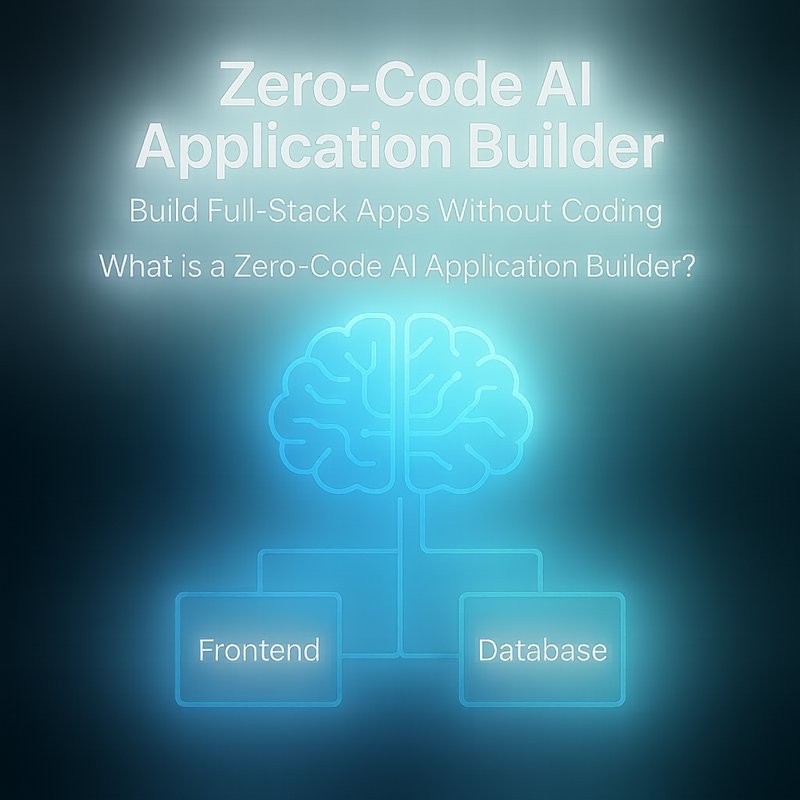
A zero‑code AI application builder is a platform that uses artificial intelligence to turn natural‑language descriptions into working code. Instead of typing lines of JavaScript, Python, or SQL, you tell the system what you need, and the AI generates the front‑end, back‑end, database schema, and deployment scripts for you.
Key features of these builders include:
- Visual UI design that can be edited with text commands.
- Automatic database creation based on data models you describe.
- Serverless deployment so you don’t manage infrastructure.
- AI‑powered debugging that suggests fixes when something breaks.
VibeSDK is one of the most popular tools in this space, offering a simple drag‑and‑drop interface combined with powerful natural‑language commands.
How VibeSDK Works
VibeSDK follows a three‑step workflow that keeps the process straightforward:
-
Describe Your App
You start by writing a short description of the app’s purpose. For example: “Create a task‑management app with user login, task lists, and real‑time notifications.” The AI parses this description and builds a high‑level architecture. -
Fine‑Tune with Natural Language
After the initial scaffold, you can refine the design. If you want a dark theme, you type “Add dark mode.” If you need a calendar view, you say “Add calendar view for tasks.” The AI updates the UI and code instantly. -
Deploy with One Click
Once you’re happy, you hit the deploy button. VibeSDK packages the app, sets up a serverless backend, and publishes it to a custom domain or a sub‑domain.
Behind the Scenes
- Model Context Protocol (MCP) – VibeSDK uses MCP to give its AI agents full visibility into how code behaves after deployment. This means the AI can test and debug automatically, reducing bugs before launch.
- Model‑Based Reasoning – The AI uses a combination of large language models and rule‑based logic to ensure the generated code follows best practices.
- Zero‑Code UI Builder – The visual editor is powered by a component library that the AI can manipulate through natural‑language commands.
Why Zero‑Code AI Builders Are a Game Changer
Speed
Traditional development can take weeks or months. With a zero‑code AI application builder, you can prototype and launch a minimal viable product in a few hours. This speed is especially valuable for startups that need to test ideas quickly.
Cost
Hiring a full‑stack developer can cost thousands of dollars per month. A zero‑code AI application builder reduces the need for specialized talent, cutting development costs dramatically.
Accessibility
Non‑technical founders can build functional apps without learning to code. This democratizes software creation and lets more people bring their ideas to life.
Continuous Improvement
Because the AI can learn from user feedback, you can keep improving the app without rewriting code. The system can suggest new features or fix bugs automatically.
Real‑World Use Cases
| Use Case | How VibeSDK Helps | Result |
|---|---|---|
| Project Management Tool | Create boards, tasks, and user roles with simple commands. | A fully functional tool ready for beta testing in under a day. |
| E‑Commerce Store | Add product listings, shopping cart, and payment integration. | A live store with secure checkout in a few hours. |
| Internal Dashboard | Pull data from APIs, display charts, and set up alerts. | A real‑time dashboard that saves analysts hours of manual work. |
| Event Registration Site | Build forms, email reminders, and ticketing. | A site that handles thousands of registrations without a dev team. |
These examples show that a zero‑code AI application builder can handle a wide range of business needs.
Comparing VibeSDK to Other Tools
| Feature | VibeSDK | Other Zero‑Code Tools |
|---|---|---|
| Natural‑Language Editing | Yes, robust command set | Limited or requires templates |
| Serverless Deployment | One‑click deploy | Often requires manual setup |
| AI Debug Mode | Built‑in, uses MCP | Usually manual debugging |
| Community & Templates | Growing library, open source | Smaller community |
| Pricing | Free tier + affordable plans | Some tools are free, others expensive |
VibeSDK stands out because it blends a visual editor with powerful AI commands, making it easier for both designers and developers to collaborate.
Getting Started with VibeSDK
- Sign Up – Visit the VibeSDK website and create an account.
- Create a New Project – Click “New App” and give it a name.
- Describe Your App – In the prompt box, type a short description.
- Refine with Commands – Use commands like “Add dark mode” or “Create login page.”
- Preview – Use the live preview to see changes instantly.
- Deploy – Hit the deploy button and share your app.
If you need help, VibeSDK offers tutorials and a community forum. You can also explore the open‑source code on GitHub to see how the AI works under the hood.
Future of Zero‑Code AI Builders
The field is evolving fast. Here are some trends to watch:
- AI‑Powered Testing – Future builders will run automated tests on every change, catching bugs before they reach users.
- Cross‑Platform Support – Building native mobile apps from the same interface will become standard.
- Integration with Enterprise Tools – Seamless connections to Salesforce, Slack, and other SaaS platforms will expand.
- Custom Model Training – Users will be able to train the AI on their own data for more accurate code generation.
VibeSDK is already investing in many of these areas, ensuring it stays ahead of the curve.
Conclusion
A zero‑code AI application builder like VibeSDK is reshaping how we build software. By letting you describe what you want in plain language, it removes the barrier of coding and speeds up the entire development cycle. Whether you’re a founder, designer, or developer, this tool can help you launch products faster, cheaper, and with fewer bugs.
If you’re curious about building your own app without writing a single line of code, give VibeSDK a try. It’s a powerful way to turn ideas into reality.