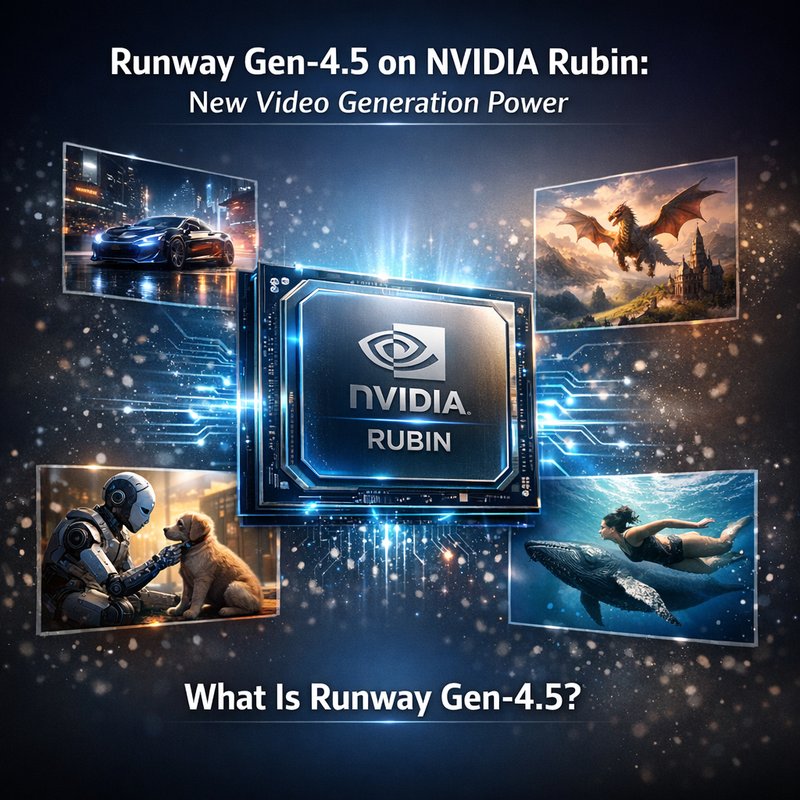
Runway Gen‑4.5 is the latest video‑generation model from Runway, and it just landed on NVIDIA’s new Rubin platform. The combination gives creators a fast, high‑quality way to produce video content that was once only possible with huge teams and expensive hardware. In this article we’ll break down what makes Runway Gen‑4.5 special, how Rubin boosts its performance, and why this matters for filmmakers, advertisers, and anyone who wants to make video easier.
What Is Runway Gen‑4.5?
Runway Gen‑4.5 is a text‑to‑video model that turns a short prompt into a full‑length clip. It builds on the earlier Gen‑4 model but adds several improvements:
- Higher resolution – up to 4K in some cases, which is a step up from Gen‑4’s 1080p limit.
- Better motion fidelity – the model learns to keep objects moving smoothly, reducing the “jitter” that can happen in earlier versions.
- More realistic lighting – the new lighting engine makes shadows and highlights look natural, even when the scene changes quickly.
- Faster inference – the model can generate a 30‑second clip in under a minute on Rubin, compared to several minutes on older GPUs.
The result is a tool that feels almost like a camera: you type a description, hit “create,” and a polished video appears.
NVIDIA Rubin: Why It Matters
NVIDIA’s Rubin is a new line of GPUs designed for AI workloads. Rubin’s key features for video generation are:
- Tensor cores that are 2‑3 times faster than the previous generation, which speeds up the heavy math needed for video synthesis.
- Higher memory bandwidth – 1.5 TB/s, which lets the model load more data at once and reduces stalls.
- Specialized AI cores that handle the transformer layers in Gen‑4.5 more efficiently.
- Energy efficiency – Rubin uses less power for the same performance, which is great for studios that run many GPUs.
Because Runway Gen‑4.5 is a large transformer model, it needs a lot of compute. Rubin’s architecture lets the model run in real time, which is a game‑changer for live production and rapid iteration.
How Runway Gen‑4.5 Uses Rubin
Runway Gen‑4.5 is built on a transformer architecture that processes text and visual tokens together. When you give it a prompt, the model first creates a rough sketch of the scene, then refines it frame by frame. Rubin’s hardware accelerates each of these steps:
- Token embedding – Rubin’s tensor cores quickly convert words into vectors that the model can understand.
- Attention layers – the transformer’s attention mechanism is the most compute‑heavy part; Rubin’s cores handle this in a fraction of the time.
- Image generation – the final step of turning vectors into pixels is sped up by Rubin’s high memory bandwidth.
The net effect is that a 30‑second clip that used to take 5 minutes now takes under a minute. That speed opens up new workflows: you can test dozens of ideas in a single day instead of waiting for a batch job to finish.
Real‑World Use Cases
Advertising
Marketers can quickly produce short, eye‑catching videos for social media. Instead of hiring a production crew, a copywriter can type a prompt like “a sunny beach with a brand logo floating in the sky” and get a ready‑to‑post clip in seconds. The high resolution and realistic lighting mean the video looks professional without extra editing.
Film and Animation
Independent filmmakers can prototype scenes before committing to expensive shoots. For example, a director can generate a rough cut of a sci‑fi battle to see how the action flows. If the result is good, they can then shoot the final version with the same camera angles, saving time and money.
Education

Teachers can create engaging visual explanations for complex topics. A prompt such as “a 3‑D model of the solar system orbiting around the sun” can produce a short clip that helps students visualize the concept. The speed of Gen‑4.5 means educators can update content on the fly.
Gaming
Game designers can prototype cutscenes or concept art. By describing a character’s movement, the model can generate a short animation that shows how the character would look in the game world. This helps designers iterate quickly before building the final assets.
Comparison to Gen‑4
| Feature | Gen‑4 | Gen‑4.5 |
|---|---|---|
| Resolution | 1080p | 4K (optional) |
| Motion quality | Good | Very smooth |
| Lighting realism | Basic | Advanced |
| Inference time on Rubin | 3–5 min | < 1 min |
| Cost per clip | Higher | Lower (due to speed) |
The biggest jump is the speed. Gen‑4.5’s ability to produce a clip in under a minute means studios can run many more experiments per day. The higher resolution also means the output can be used for larger screens without losing detail.
Getting Started
- Sign up for Runway – Create an account on the Runway website. They offer a free tier that lets you try a few clips per month.
- Choose the Gen‑4.5 model – In the Runway dashboard, select the Gen‑4.5 option. You’ll see a prompt box and a “Generate” button.
- Write a prompt – Keep it short but descriptive. For example: “a futuristic city skyline at sunset with flying cars.”
- Generate – Hit the button and wait a few seconds. The video will appear in the preview pane.
- Download or edit – You can download the clip or use Runway’s built‑in editor to trim or add effects.
If you want to integrate Gen‑4.5 into your own pipeline, Runway offers an API. The API is straightforward: send a JSON payload with your prompt, and you’ll receive a URL to the generated video. This is handy for automating content creation in a larger workflow.
Future Outlook
NVIDIA is already working on the next Rubin generation, which will bring even more speed and efficiency. Runway plans to add new features to Gen‑4.5, such as:
- Interactive prompts – let users tweak the video in real time by adjusting sliders.
- Audio sync – automatically match the video’s motion to a soundtrack.
- Style transfer – apply a specific visual style (e.g., watercolor, comic book) to the output.
These additions will make the tool even more flexible for creators who need to adapt quickly to changing project requirements.
Conclusion
Runway Gen‑4.5 on NVIDIA Rubin is a powerful combination that makes high‑quality video generation faster and more accessible than ever. Whether you’re a marketer, filmmaker, teacher, or game designer, the speed and quality of this model can save time and money. The next step for many will be to experiment with the new and see how they fit into their creative workflow.
If you’re curious to try it out, sign up on Runway and start generating clips today. The future of video creation is here, and it’s running on Rubin.