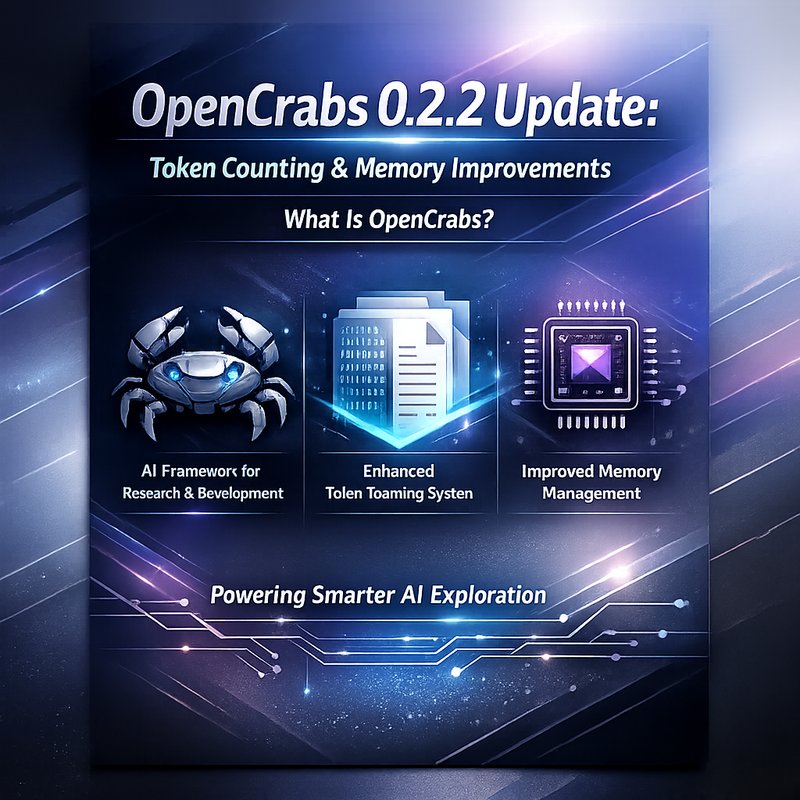
OpenCrabs is a Rust‑based open‑source framework that lets developers build autonomous agents that can run locally and talk to the world. The latest release, OpenCrabs 0.2.2, brings a set of changes that make agents smarter, faster, and easier to use. In this article we’ll walk through the new token‑counting logic, the three‑tier memory system, and a handful of user‑experience tweaks that help you get the most out of your agents.
Why Token Counting Matters
When an agent talks to a large language model (LLM), every word you send counts as a token. LLMs have a hard limit on how many tokens they can see in a single request. If you exceed that limit, the model will truncate or refuse to respond. For agents that keep a long conversation history, it’s easy to hit the limit without realizing it.
OpenCrabs 0.2.2 fixes a long‑standing issue where the context counter was adding up tokens from every tool call, not just the last one. That meant the displayed token count was higher than the real cost, and billing could be wrong. The new logic now shows the exact number of tokens used in the last API call, while still keeping a running total for billing purposes.
Key Changes in Token Counting
- Accurate context display –
AgentResponse.context_tokensnow reflects the last iteration’s input tokens, not the cumulative sum. - Per‑message token count –
DisplayMessage.token_countshows only the output tokens, removing the double‑counting of shared context. - Tiktoken integration – The trimming logic now uses the
cl100k_basetokenizer, giving a more precise estimate than the oldchars/3heuristic. - Lower compaction threshold – Auto‑compaction triggers at 70 % of the context window instead of 80 %, giving agents more headroom before they start summarizing.
These changes mean that agents can stay within the LLM’s limits for longer, and you can trust the token numbers shown in the UI.
The Three‑Tier Memory System
One of the biggest pain points for autonomous agents is remembering what happened in the past. OpenCrabs 0.2.2 introduces a layered memory architecture that keeps long‑term knowledge separate from short‑term context.
1. Brain MEMORY.md
This file holds durable, user‑curated facts that you want the agent to remember forever. Think of it as a personal knowledge base. The agent loads this file at the start of every session, so you can add new entries without restarting.
2. Daily Memory Logs
Every time the agent compacts its conversation history, a summary is written to a daily log file under ~/.opencrabs/memory/YYYY-MM-DD.md. If you run the agent multiple times a day, the logs stack in the same file, giving you a chronological record of what the agent has learned.
3. Memory Search Tool
The new memory_search tool lets the agent query past logs using QMD (a lightweight semantic search engine). If QMD isn’t installed, the tool falls back to a simple file read and returns a hint to use read_file instead. This makes it easy to ask the agent, “What did we decide about the pricing strategy last week?” and get a quick answer.
Tool Usage and Context Budget
OpenCrabs agents can call external tools (e.g., web browsing, file reading, or custom scripts). Each tool adds overhead to the prompt, which can push the agent over the context limit. The 0.2.2 release improves how this overhead is calculated.
- Tool definition overhead – Each tool now counts as ~500 tokens, and this is factored into the context budget.
- Compaction summary display – When the agent compacts, the full summary is shown as a system message, so you can see exactly what was kept.
- Auto‑scroll during streaming – Users can scroll up while the agent streams text; the UI won’t yank them back to the bottom until they scroll back down or send a new message.
These tweaks help keep the agent’s conversation fluid and prevent unexpected truncation.
Config Management and Live Reload
Managing an agent’s settings can be tedious. OpenCrabs 0.2.2 adds a new config_manager tool that lets you read and write the config.toml and commands.toml files on the fly.
- Read/write config – You can change the provider, model, or approval policy without restarting.
- Commands TOML migration – Existing
commands.jsonfiles are automatically converted tocommands.tomlthe first time the agent loads. - Settings screen – Press
Sopen a real Settings screen that shows the current provider, model, approval policy, and file paths.

The agent also supports live config reload: if you edit the config file, the agent will pick up the changes the next time you send a message.
User Experience Improvements
OpenCrabs 0.2.2 focuses on making the agent easier to use.
- Cursor navigation – Full arrow‑key support lets you edit messages anywhere in the input field.
- Streaming spinner – A spinner shows “claude‑opus is responding…” while the model streams text, giving you visual feedback.
- Inline plan approval – When the agent proposes a plan, you can approve or reject it with arrow keys, instead of typing commands.
These small changes make the agent feel more responsive and less like a command line tool.
Integration with OpenClaw and ClawSocial
OpenCrabs is often paired with OpenClaw, the autonomous agent framework that runs locally and connects to messaging apps. The two work together seamlessly:
- OpenClaw + OpenCrabs – OpenClaw can use OpenCrabs as its orchestration layer, letting you build agents that run on your machine and talk to WhatsApp, Telegram, or Slack.
- Browser‑Use v0.1.22 – The latest Browser‑Use library improves vision + HTML extraction, making web‑browsing agents more reliable. OpenCrabs can call this library as a tool.
- ClawSocial text sanitization – ClawSocial’s new text‑sanitization logic removes problematic characters before posting to social media. This keeps your agent’s posts clean and compliant.
Getting Started with OpenCrabs 0.2.2
- Install Rust – OpenCrabs is written in Rust, so you’ll need the Rust toolchain.
curl --proto '=https' --tlsv1.2 -sSf https://sh.rustup.rs | sh - Clone the repo –
git clone https://github.com/opencrabs/opencrabs.git cd opencrabs - Build the release –
cargo build --release - Run the agent –
./target/release/opencrabs --config config.toml - Test the new features – Try sending a message that triggers a tool call and watch the token count update. Then ask the agent to search its memory with
memory_search.
For more detailed instructions, check the official documentation on the GitHub repo or the OpenCrabs Wiki.
Conclusion
OpenCrabs 0.2.2 is a solid step forward for anyone building autonomous agents that run locally. The precise token counting, layered memory system, and improved tool handling make agents more reliable and easier to manage. Whether you’re a hobbyist or a professional developer, these changes help you keep your agents within LLM limits and give you better insight into what the agent remembers.
If you’re curious to see how these updates work in practice, read the full article on our blog and try out OpenCrabs 0.2.2 today.