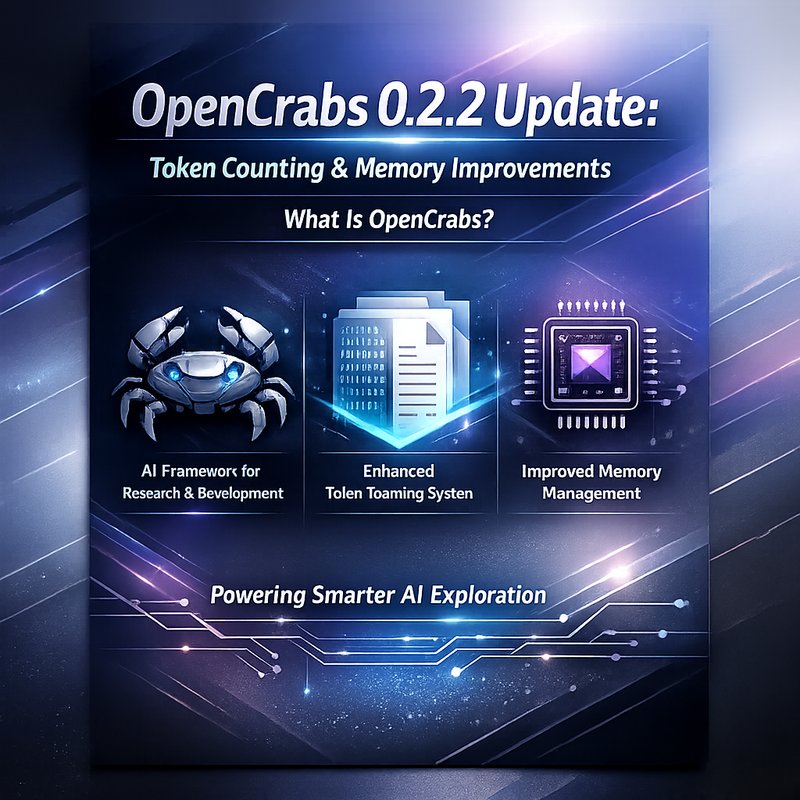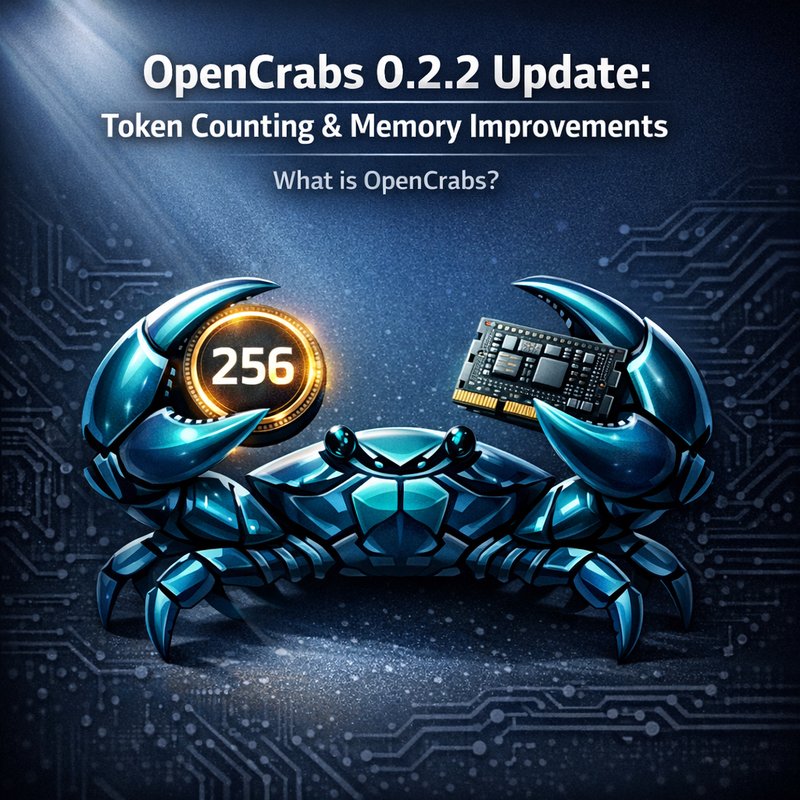
Openabs is a Rust‑based orchestration layer inspired by OpenClaw that helps developers build AI agents that can do real work. The latest release, OpenCrabs 0.2.2 update, brings two major changes that make agents smarter and easier to manage: better token counting and a new memory system. In this article we’ll walk through what these changes mean, how they improve your agent’s performance, and how you can start using them right away.
What is OpenCrabs?
OpenCrabs is a lightweight framework that lets you write AI agents in Rust. It handles the heavy lifting of calling language models, managing context, and routing tasks to tools. Think of it as a middleman that keeps your agent’s conversation short enough for the model to understand while still remembering what happened earlier in the session.
Key features before the 0.2.2 update:
- Tool‑based reasoning – Agents can call external tools (e.g., web search, file read) and incorporate the results into their next turn.
- Context window management – The framework keeps track of how many tokens are in the prompt and removes older messages when the limit is reached.
- Compaction – When the context gets too long, OpenCrabs summarizes the conversation to free up space.
The new release refines two of those core pieces: token counting and memory.
Why Token Counting Matters
Language models have a hard limit on how many tokens they can process in a single request. If you send too many tokens, the model will truncate the prompt or return an error. OpenCrabs used to estimate token usage with a simple “characters divided by three” rule. That rule was fast but often over‑estimated or under‑estimated the real token count, leading to two problems:
- Unexpected truncation – The model might cut off the middle of a tool response, making the agent’s output confusing.
- Billing surprises – Token usage is how you pay for many cloud providers. Inaccurate counts can lead to higher bills.
The 0.2.2 update replaces the old heuristic with the official tiktoken library (the same library used by OpenAI). Now OpenCrabs counts tokens exactly as the model would, giving you a reliable view of how many tokens you’re using.
How the New Token Counting Works
- Per‑message token count – Each message’s token count is calculated separately, so you can see how many tokens a single tool response uses.
- Context‑only token count – The framework now tracks the last API call’s input tokens, not the cumulative total. This means the context display shows the real number of tokens the model sees.
- Accurate billing – Because the token count matches the provider’s count, you can trust the numbers for cost estimation.
Practical Impact
- Smaller prompts – You can keep more of the conversation in the prompt without hitting the limit.
- Better debugging – When something goes wrong, you can see exactly how many tokens were sent and why the model might have truncated.
- Cost control – Knowing the exact token usage helps you stay within budget.
Memory Improvements: A Three‑Tier System
The 0.2.2 update also introduces a new memory architecture that makes agents remember more and forget less. The system is split into three layers:
- Brain MEMORY.md – A file that holds durable, user‑curated memory. Anything you add here stays across sessions.
- Daily Memory Logs – After each compaction, OpenCrabs writes a summary to a daily log file (
~/.opencrabs/memory/YYYY-MM-DD.md). Multiple compactions per day stack in the same file. - Memory Search Tool – A new
memory_searchtool uses QMD (a lightweight semantic search engine) to find past logs quickly. If QMD isn’t installed, the tool falls back to reading the log file directly.
What Changed in 0.2.2?
- Compaction Summary Display – When the context reaches 80 % of the window, OpenCrabs now shows the full summary in the chat. You can see exactly what was remembered.
- Scroll‑while‑streaming – Users can scroll up during streaming without being pulled back to the bottom. The
auto_scrollflag disables scrolling when you move up and re‑enables it when you return to the bottom. - QMD Auto‑Index – After each compaction,
qmd updateruns in the background to keep the search index fresh. - Path Consolidation – All data now lives under
~/.opencrabs/, making it easier to back up or move.
Using the New Memory System
- Add to Brain – Edit
~/.opencrabs/brain/MEANING.mdto add facts you want the agent to remember forever. - Search Past Logs – Call the
memory_searchtool with a query. The tool returns the most relevant log entry. - Review Compaction – When the agent compacts, read the summary that appears in the chat. If you need more detail, you can open the log file.
Step‑by‑Step: Getting Started with the 0.2.2 Update
Below is a quick guide to help you upgrade and start using the new features.
1. Upgrade OpenCrabs
cargo install opencrabs --git https://github.com/opencrabs/opencrabs --rev 0.2.2
If you already have OpenCrabs installed, run:
cargo update -p opencrabs
2. Verify Token Counting
Create a simple agent that calls a tool and prints the token count:
use opencrabs::{Agent, Tool};

let mut agent = Agent::new();
agent.add_tool(Tool::new("echo", |input| Ok(input.to_string())));

let response = agent.run("Tell me a joke and count tokens");
println!("Tokens used: {}", response.context_tokens);

You should see a number that matches the provider’s count.
3. Explore Memory Logs
After running a few turns, check the daily log:
cat ~/.opencrabs/memory/2026-02-16.md
You’ll see a summary of the conversation and any tool outputs.
4. Use the Memory Search Tool
let result = agent.run("memory_search \"last time we talked about coffee\"");
println!("{}", result.output);
The tool will return the most relevant log entry.
5. Adjust Compaction Threshold
If you want to trigger compaction earlier, edit ~/.opencrabs/config.toml:
[agent]
compaction_threshold = 0.7
Now compaction will happen at 70 % of the context window.
Comparing 0.2.2 to 0.2.1
| Feature | 0.2.1 | 0.2.2 |
|---|---|---|
| Token counting | chars/3 heuristic |
tiktoken exact count |
| Context display | Inflated numbers | Accurate last‑iteration count |
| Memory compaction | 80 % threshold | 70 % threshold, summary shown |
| Search tool | None | memory_search with QMD |
| Path layout | Mixed | Consolidated under ~/.opencrabs/ |
The 0.2.2 update fixes several bugs that caused double‑counting of tokens and improves the user experience by showing what the agent actually remembers.
Real‑World Use Cases
1. Customer Support Bots
A support bot can keep track of a user’s issue across multiple turns. With the new memory system, the bot can pull up past tickets quickly and avoid repeating questions.
2. Code Review Assistants
When reviewing code, the agent can remember the project’s coding standards from the Brain file and refer back to them during the review. The accurate token count ensures the review stays within the model’s limits.
3. Knowledge‑Base Chatbots
A chatbot that answers FAQs can store the FAQ list in the Brain and use memory_search to find the best answer. The agent can summarize long conversations without losing context.
Future Roadmap
OpenCrabs is still in early stages, but the team has a clear path forward:
- Multi‑model support – Allow agents to switch between providers on the fly.
- Advanced compaction – Use machine learning to decide what to keep.
- Graph‑based memory – Store relationships between facts for better reasoning.
- Webhooks – Trigger external actions when certain conditions are met.
If you’re interested in contributing, check out the repository on GitHub and join the discussion.
How OpenCrabs Fits into the AI Agent Landscape
OpenCrabs is one of several frameworks that aim to make building AI agents easier. Others include OpenClaw, Neura’s Router Agents, and the new Microsoft Agent Framework. Each has its strengths:
- OpenCrabs – Rust‑based, fast, great for low‑latency applications.
- OpenClaw – Focuses on short‑form video creation and social media automation.
- Neura’s Router Agents – Built on top of Neura’s platform, offers a wide range of pre‑built tools.
- Microsoft Agent Framework – Unified API for multiple providers, still in GA.
Choosing the right tool depends on your language, performance needs, and ecosystem.
Takeaway
The OpenCrabs 0.2.2 update brings precise token counting and a robust memory system that make agents more reliable and easier to debug. Whether you’re building a support bot, a code reviewer, or a knowledge‑base chatbot, these changes help you stay within model limits and keep the conversation coherent.
If you’re already using OpenCrabs, upgrade today and see the difference. If you’re new, give it a try and explore the new features. Happy coding!