Hook: When the internet is flaky, audio is the first thing to break
I learned the hard way that “it works on my connection” is not a plan—especially with voice. The minute network quality dips, speech-to-text pauses, text-to-speech stutters, and you end up stuck either speaking to a black hole (no transcription) or reading replies you wanted to hear out loud.
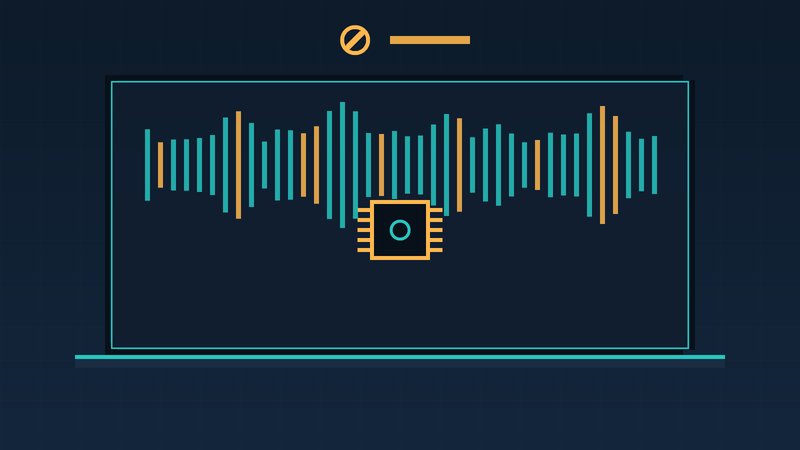
So I set myself a simple goal: make voice work even when the network doesn’t. Not “fallback sometimes”—I mean a pipeline where audio in becomes text locally (STT) and generated text becomes spoken audio locally (TTS), with everything happening on my device.
In OpenCrabs v0.6.x, that’s exactly what the local audio pipeline is for: a compact offline setup that keeps both transcription and speaking functional without sending audio off the machine.
What “offline speech” means in practice
In practical terms, offline speech means three things:
- I never rely on a cloud endpoint to transcribe or speak.
- My microphone audio gets processed locally to produce text (STT).
- When the agent generates text, it’s converted to audio locally (TTS) using an on-device setup.
So the flow stays intact even during outages:
- I speak to the mic → local STT turns it into text
- The system responds with text → local TTS turns that text into audio
- No “please try again later” moments, no voice functionality disappearing when my Wi‑Fi decides to misbehave.
Why the ~135 MB setup is “stuck” (and why I didn’t want bigger)
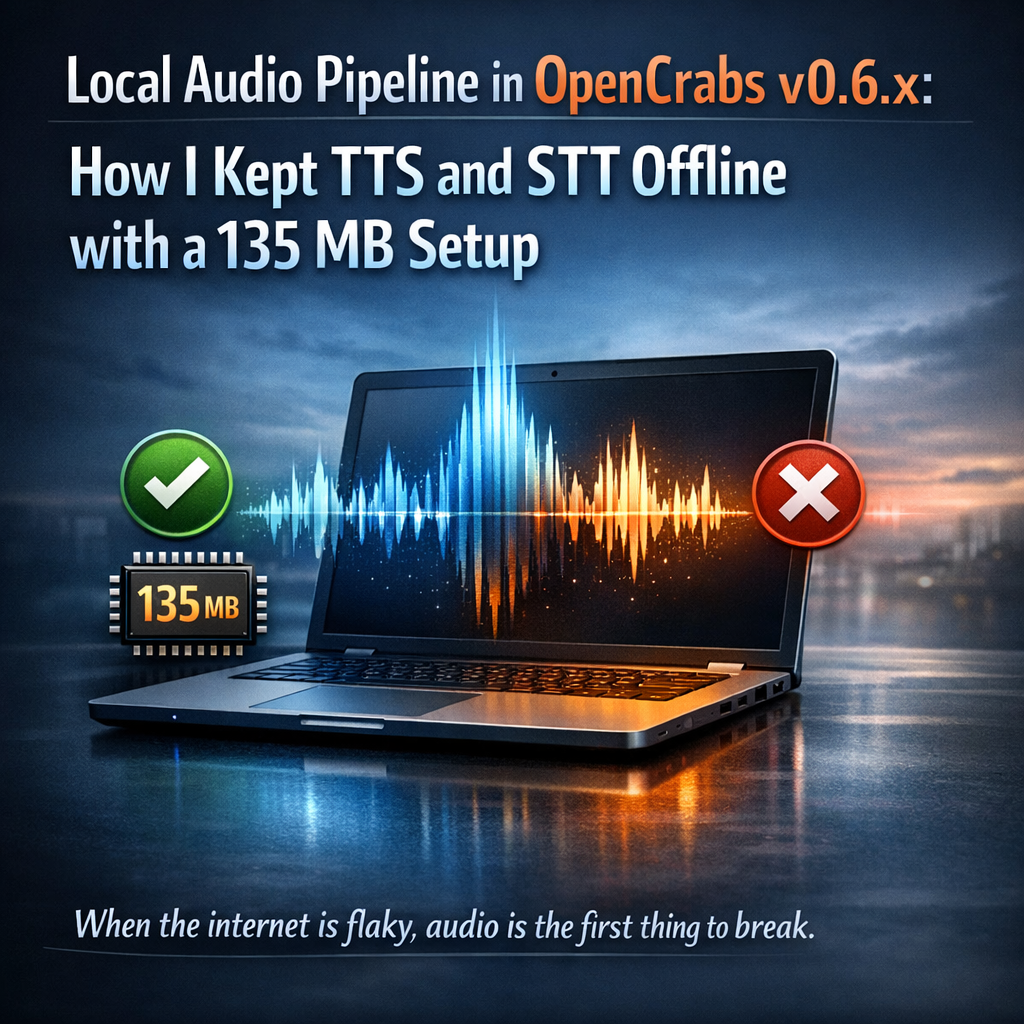
The offline audio pieces in OpenCrabs v0.6.x come with a surprisingly small footprint—around ~135 MB in the packaged setup I used.
That size matters because it changes the tradeoff from “nice idea” to “actually deployable”:
- It’s small enough that I don’t dread reinstalling or moving it to another machine.
- It’s light enough that storage isn’t a constraint for a personal workstation or a secondary device.
- It’s compact enough that offline voice can feel like a “default mode,” not an optional expensive experiment.
Basically: I wanted offline speech to be boring—predictable and always available. A big, heavyweight offline voice stack is harder to trust day-to-day. This one is small enough that it stops being a project.
How the pipeline fits together (audio in → text → audio out)
Here’s the pipeline as I experienced it, end to end:
-
Input capture
Sound comes in from the microphone (my side of the conversation). -
Local STT (speech-to-text)
The system processes that spoken audio locally and produces text. This is what lets me keep “voice-first” interaction without needing any external transcription service. -
Text generation / response
Once I have text, the rest of the conversation can proceed normally (the agent works with text like it usually does). -
Local TTS (text-to-speech)
When there’s something to say, OpenCrabs converts generated text into spoken audio using the local TTS engine—again, locally. -
Playback
I hear the spoken response right away from my device.
That’s the key architectural win: the only “wire” is the one between my mic and my speakers—everything else stays on-device.
The setup flow (and the common pitfalls I hit)
I approached the setup like a checklist: install → enable local audio → confirm I can transcribe and speak offline.
The flow I followed looked like this:
- Install OpenCrabs v0.6.x
- Enable the local audio pipeline features in the app settings
- Ensure the offline speech components are present (the pipeline is designed to be compact, but it still needs to be properly installed/downloaded as part of local audio)
- Test STT first
I spoke a short sentence and verified the text output appeared correctly. - Test TTS next
I prompted something that produced a clear response and confirmed it was spoken.
Common pitfalls (things that slowed me down)
- Assuming input works before you verify STT: I’d test TTS and forget STT, then wonder why voice commands weren’t working.
- Mic permissions: On some OS setups, it’s easy to miss the permission prompt. STT can’t do anything if it can’t read the mic.
- Audio device mismatch: If you have multiple input/output devices (headset vs speakers), you can end up recording from one device and listening to another.
- Thinking “offline” means “no dependencies at all”: Offline voice still requires the audio assets/engines to be installed and accessible in the expected place.

Once I forced myself to do a quick STT-only verification and then a TTS-only verification, everything felt much smoother.
Performance and quality tradeoffs (what I noticed)
Offline voice is great—but it’s not magic, and I found the tradeoffs were real.
Performance
- Latency is usually acceptable, but local processing can feel heavier than “fast cloud transcription,” especially on lower-resource machines.
- The pipeline is responsive enough for normal conversation, but if I spoke extremely quickly or in very noisy conditions, transcription accuracy became the limiting factor—not the “speaking” side.
Quality
- Transcription quality depends heavily on clarity: background noise, accent complexity, and speech speed matter more when you’re running locally.
- For TTS, the voice output is “good enough for interaction,” and it’s reliable—but I didn’t chase studio-level naturalness.
The tradeoff I accepted was simple: reliability offline beats peak-quality online. When voice has to work during outages, I’m happier with “consistent and usable” than “sometimes excellent.”
Offline reliability payoff: the day it saved me
After setting this up, there was an afternoon where my connection went unstable for a while—nothing dramatic, just enough to ruin smooth voice.
Normally, that’s when the experience falls apart:
- STT times out or doesn’t update
- TTS delays or fails
- I end up typing instead of talking
With the offline pipeline enabled, I could keep going—audio in still became text, and responses still got spoken aloud. That single experience convinced me the offline setup wasn’t just a convenience. It was a real quality-of-life improvement.
Long-term stability tips
Once you’ve got offline TTS/STT working, a few habits make it stay that way:
- Keep an eye on audio device settings after OS updates
Updates sometimes reset default input/output devices. - Do occasional “quick STT/TTS checks”
A 30-second test once in a while prevents surprises. - Avoid switching environments casually
If you move between machines or user accounts, confirm the local audio pipeline assets are present for each environment. - Treat mic permissions as a first-class dependency
If you ever revoke permissions, voice silently degrades—so verify it if behavior changes.
What I would improve next
If I’m being honest, the biggest improvements I’d want are about smoothing edges rather than changing the core idea:
- More transparent health/status indicators for “local STT active” and “local TTS active” so it’s always obvious what mode is running.
- Better guidance for audio device selection when multiple microphones/headsets are present.
- More tuning knobs for transcription behavior (without making users configure a research project).
Right now, the pipeline is solid enough that it just works—but the next step for me would be making “it works” even easier to confirm.
Closing takeaway
If you’re tired of voice breaking when the internet doesn’t cooperate, this is one of the most practical offline upgrades you can make. OpenCrabs v0.6.x’s local audio pipeline gives you a compact ~135 MB setup that turns audio into text locally (STT) and turns text into spoken audio locally (TTS)—so nothing about the voice loop needs to leave your device.
For me, offline voice turned voice interaction from a nice-to-have into something dependable.
Social Copy
LinkedIn Post
Voice is the first thing that breaks when the internet gets flaky. In my latest article, I walk through how I set up OpenCrabs v0.6.x to keep both speech-to-text (STT) and text-to-speech (TTS) working offline using the local audio pipeline (~135 MB setup). I cover the actual pipeline (audio → local text → local speech), the setup flow, common pitfalls, and the reliability payoff.
Read: Local Audio Pipeline in OpenCrabs v0.6.x: How I Kept TTS and STT Offline with a 135 MB Setup
Facebook Post
Tired of voice features failing when your connection isn’t great? I put together an offline local audio setup in OpenCrabs v0.6.x so STT + TTS stay local—audio in becomes text locally, and generated text becomes spoken audio locally. The setup is around ~135 MB, and I share the full flow + the pitfalls I hit.
Check it out: Local Audio Pipeline in OpenCrabs v0.6.x: How I Kept TTS and STT Offline with a 135 MB Setup
Instagram Caption
Voice that works even when the internet doesn’t. 🎙️➡️📝➡️🔊
In my new article, I break down OpenCrabs v0.6.x’s local audio pipeline—how I kept STT (speech-to-text) and TTS (text-to-speech) running offline with an approximately ~135 MB setup. Everything stays on-device.
Read: “Local Audio Pipeline in OpenCrabs v0.6.x: How I Kept TTS and STT Offline with a 135 MB Setup”