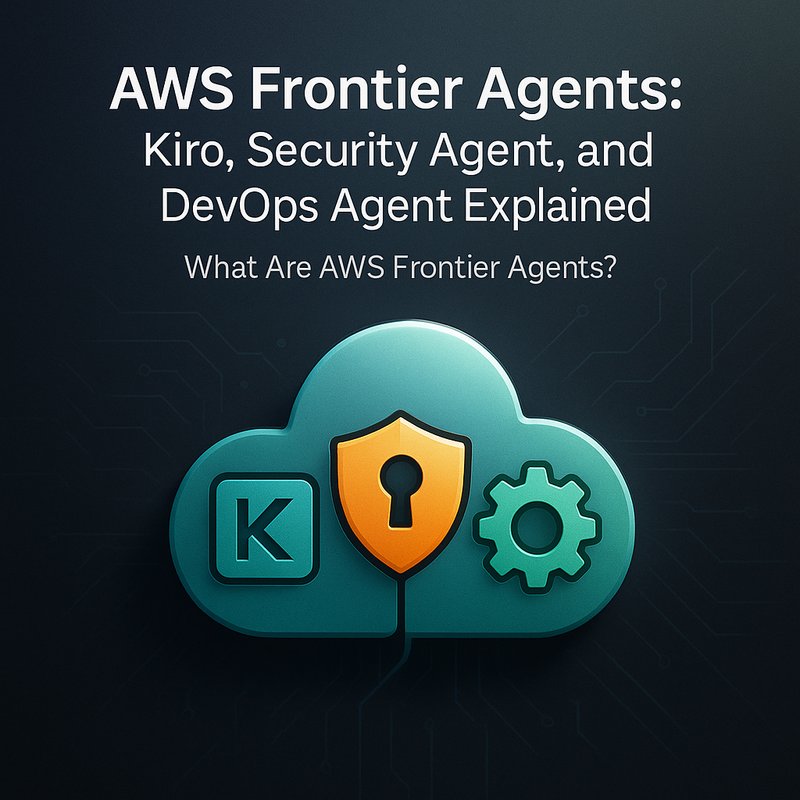
AWS Frontier Agents are a set of self‑sufficient AI agents that can write, review, secure, and deploy code without constant human oversight. Designed by Amazon Web Services, these agents—Kiro, the Security Agent, and the DevOps Agent—work together to change how software teams build and maintain applications. This article explores what each agent does, how they fit into the AWS ecosystem, and why they matter for developers who want faster, safer, and more reliable code.
What Are AWS Frontier Agents?
Frontier Agents are autonomous tools that use machine learning to understand and follow a development team’s coding style, security standards, and deployment processes. Unlike traditional automation scripts that require a lot of manual configuration, these agents learn from every pull request, review comment, and deployment event. Over time, they build a deep, team‑specific knowledge base that lets them perform complex tasks—like writing new features, flagging security issues, and triggering CI/CD pipelines—on their own.
Key points:
- Agents learn from past code and human feedback.
- They run continuously, keeping context across sessions.
- They reduce repetitive work and let developers focus on higher‑level problem solving.
The focus keyword AWS Frontier Agents appears in this paragraph and will be used throughout the article to reinforce search visibility.
Kiro: The Autonomous Coding Agent
Kiro is the coding agent of the Frontier family. It watches a repository, notices patterns in how the team writes code, and can generate new functions, bug fixes, or even entire modules. Kiro’s most impressive feature is its persistent context: it remembers previous commits and pull requests, allowing it to maintain a consistent coding style even across long periods of inactivity.
How Kiro Works
- Learning Phase – Kiro scans the team’s codebase and pull requests.
- Planning Phase – When a new issue is created, Kiro decides what code is needed.
- Execution Phase – It writes code, creates a pull request, and waits for feedback.
- Refinement Phase – Based on reviews, Kiro revises the code automatically.
This cycle repeats, and Kiro’s suggestions become sharper over time. Because it never forgets a team’s preferences, developers can trust that its code aligns with their conventions.
AWS Security Agent: Keeping Code Safe
Security is a top priority in software development. The AWS Security Agent scans code for vulnerabilities and compliance gaps, then auto‑creates alerts or pull requests with suggested fixes. It integrates directly with AWS CodePipeline and Amazon Inspector, so security checks happen in the same place as your build and test processes.
Key Features
- Real‑time vulnerability detection during code pushes.
- Automated remediation: the agent can patch code or add missing tests.
- Reporting: generates a compliance dashboard visible to the whole team.
Because the Security Agent uses the same learning engine as Kiro, it can adapt to a team’s particular threat model.
AWS DevOps Agent: Automating Operations
The DevOps Agent handles the operational side of software delivery. Once code is merged, it triggers deployment to Amazon ECS, AWS Lambda, or Fargate, monitors resource usage, and rolls back if a health check fails. It can also manage infrastructure as code, updating CloudFormation templates or Terraform files automatically.
What It Saves Time On
- Triggering deployments after a merge.
- Scaling services in response to traffic spikes.
- Rolling back deployments that fail health checks.
The agent is designed to run 24/7, so your team never has to manually step in for routine deployment tasks.
How Frontier Agents Work Together
These agents are not isolated. Kiro, the Security Agent, and the DevOps Agent all share a common knowledge base. When Kiro writes a new module, the Security Agent checks it for security issues. If the module passes, the DevOps Agent deploys it. If any step fails, the agent that detected the problem notifies the team and creates a new pull request to fix it.
This workflow reduces the “hand‑off” friction that normally slows down releases. Developers can focus on design while agents handle the heavy lifting.
Real-World Use Cases
1. Rapid Feature Development
A fintech startup used Kiro to add new payment routes in a microservice architecture. Kiro generated the code, the Security Agent verified compliance with PCI standards, and the DevOps Agent pushed the changes to staging. The entire cycle took under an hour instead of days.
2. Continuous Security Audits

A healthcare provider runs the Security Agent on all code repositories. It automatically scans for OWASP Top Ten vulnerabilities and generates a weekly compliance report. This reduces the risk of a data breach and helps meet HIPAA requirements.
3. DevOps Automation in a Large Enterprise
A logistics company used the DevOps Agent to automate deployments across 50 services. By removing manual approvals, they cut release times from days to minutes, improving their ability to respond to traffic spikes during peak delivery periods.
Benefits and Considerations
| Benefit | What It Means for Developers |
|---|---|
| Speed | Code moves from idea to production faster. |
| Safety | Automated security checks reduce human error. |
| Consistency | Coding style and architecture stay uniform. |
| Focus | Developers can tackle complex problems instead of repetitive tasks. |
Potential Challenges
- Learning Curve: Teams need time to train the agents.
- Integration: Existing CI/CD pipelines may require adjustments.
- Trust: Developers may initially doubt an agent’s code quality.
Most of these challenges can be mitigated by starting with small projects, gradually expanding scope, and closely monitoring agent output.
Integration with Existing Toolchains
Frontier Agents can be added to a team’s workflow without replacing familiar tools:
- GitHub/GitLab: Agents can create pull requests and add comments.
- AWS CodeBuild/CodeDeploy: Seamless integration for building and deploying.
- Amazon Inspector: For deeper security analysis.
You can also hook the agents into Slack or Microsoft Teams for instant notifications. If your team already uses a custom chatbot, you can combine it with an agent for an even richer experience.
Comparison to Traditional Development Workflows
| Feature | Traditional Workflow | Frontier Agents |
|---|---|---|
| Code Review | Manual by peers | Automated by Security Agent |
| Deployment | Manual or scripted | Fully automated by DevOps Agent |
| Learning Curve | High (tools + processes) | Low (agents learn from your repo) |
| Speed | Weeks for large features | Minutes for simple additions |
While no system is perfect, Frontier Agents lower the barrier for continuous delivery, making it easier to ship quality software faster.
The Future of Autonomous Software Development
Amazon’s announcement of the Nova Act shows that AWS is committed to expanding AI‑powered automation beyond the cloud. The Nova Act provides a framework for building reliable browser‑based agents, which can be used to automate UI tests or support workflows that involve web interfaces. Combined with Frontier Agents, developers can automate the entire end‑to‑end journey—from coding to UI testing to deployment.
Other vendors are also exploring similar concepts. For instance, OpenAI’s Sora 2 and Meta’s SAM3 video models demonstrate how AI can handle multimodal tasks. However, AWS’s deep integration with its own cloud services gives Frontier Agents a unique advantage for teams already using AWS.
Getting Started with Frontier Agents
- Sign up for AWS – If you don’t already have an account, create one.
- Enable Frontier Agents – In the AWS Management Console, navigate to the Frontier Agents dashboard.
- Connect Repositories – Link your GitHub or Bitbucket repo.
- Configure Permissions – Allow the agents to read, write, and deploy.
- Start a Pilot – Let Kiro draft a new feature and see how the Security Agent reacts.
AWS provides detailed documentation and starter templates, so you can get up and running in a few hours.
Conclusion
AWS Frontier Agents bring a new level of autonomy to software development. By combining coding, security, and deployment into a single, learning agent, teams can ship faster, safer, and more consistently. If you’re looking to modernize your workflow and reduce manual effort, Frontier Agents are worth exploring.