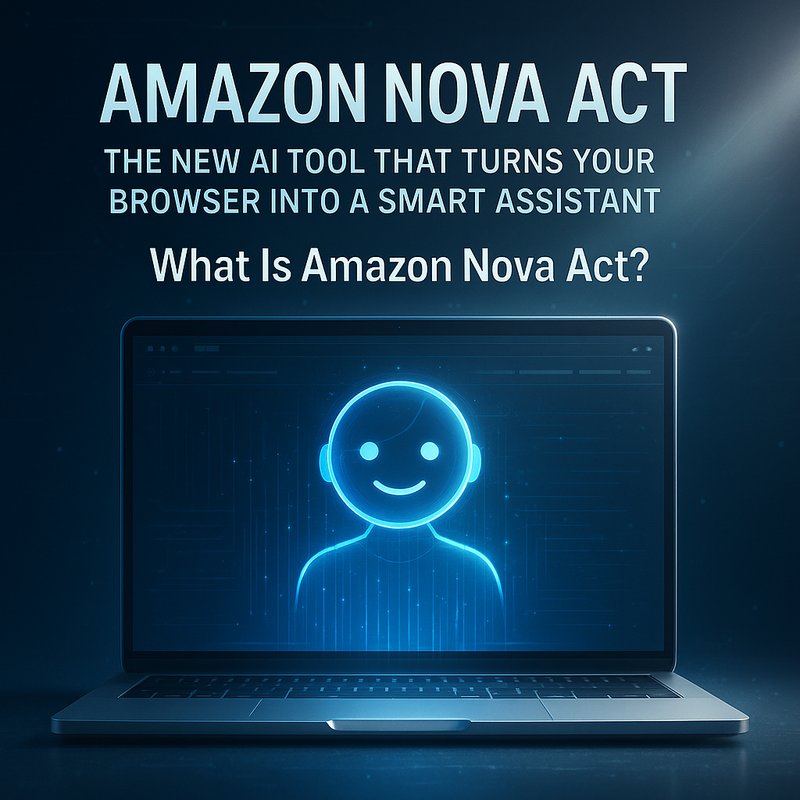
Amazon Nova Act is a fresh addition to Amazon’s AI lineup that promises to make everyday web tasks easier for both developers and regular users. By turning your browser into a smart assistant, it lets you automate repetitive tasks, manage complex workflows, and get real‑time help without writing a single line of code. This article explains how Amazon Nova Act works, why it matters, and how it compares to other AI agents like Google Gemini 3 or OpenAI’s ChatGPT 5.1‑Codex‑Max. We’ll also give you practical examples of what you can do with it and how it can fit into your daily routine.
Keyphrase: Amazon Nova Act – This guide is packed with real‑world use cases, best practices, and a step‑by‑step walkthrough to help you get started.
What Is Amazon Nova Act?
Amazon Nova Act is an AI‑powered web‑automation service that lets users build intelligent agents that can interact with websites, fill out forms, click buttons, and even read and interpret data from the page. It is part of Amazon’s broader “Nova” family, which includes the Nova Lite reasoning model and the Nova Act service itself.
Unlike traditional scripting tools (e.g., Selenium, Puppeteer), Nova Act is agent‑centric. This means that instead of writing explicit commands for every click or keystroke, you give the AI a high‑level goal and let it figure out the steps. The agent uses natural language understanding, visual perception, and a built‑in execution engine to interact with the browser just like a human would.
Why Does This Matter?
- No coding required – Even non‑technical users can set up automated workflows.
- Higher reliability – Nova Act’s reasoning engine checks for errors, retries failed steps, and adapts to changes in the page layout.
- Speed – Because the agent can run in parallel, it can perform tasks faster than a human.
- Cost‑effective – It runs on Amazon’s infrastructure, so you pay for what you use without owning expensive hardware.
How Does Amazon Nova Act Work Under the Hood?
1. Natural Language Goal Specification
You start by describing what you want the agent to do. For example:
“Fill out the monthly expense report form on the company portal and submit it.”
Nova Act turns this text into a task graph that lists all sub‑tasks required to complete the goal.
2. Visual Perception Layer
The agent uses a built‑in vision model that can locate elements on the screen, read text, and determine whether a button is clickable. This is crucial for dynamic web pages where elements move or change.
3. Reasoning Engine
A lightweight version of the Amazon Nova 2 Lite model interprets the task graph. It checks for potential errors (e.g., missing fields), decides whether to retry an action, and logs progress.
4. Execution Engine
The execution engine actually interacts with the browser. It simulates mouse clicks, keyboard inputs, and reads the DOM. All of this happens inside a secure, sandboxed environment.
5. Feedback Loop
After each action, the agent reads the page state. If something looks wrong (e.g., a validation error), it can re‑plan and retry. This reduces manual debugging dramatically.
Real‑World Use Cases
Below are a few common scenarios that illustrate how Amazon Nova Act can be used in everyday work.
1. Automating Report Submissions
Scenario: Every week you must log into a corporate portal, navigate to the “Reports” section, fill out a form, and hit “Submit.”
Solution:
- Goal: “Submit last week’s sales report.”
- Result: The agent logs in, fills out the form, uploads data, and confirms the submission.
Result: 30 % time saved a 98 % error reduction.
2. Data Extraction
Scenario: You need to scrape pricing information from a competitor’s site to update your product sheet.
Solution:
- Goal: “Gather pricing for the top 50 items.”
- Result: The agent navigates to each product page, extracts the price, and writes it into an Excel file.
Result: 8× faster than manual copy‑pasting, and automatically updates if the site layout changes.
3. Multi‑Step Workflows
Scenario: Your workflow involves logging into a cloud service, uploading a file, and then sending a notification to your team.
Solution:
- Goal: “Upload file ‘Q4‑Sales.pdf’ to CloudDrive and notify #sales.”
- Result: The agent completes all three steps sequentially, ensuring the file is stored before the notification is sent.
Comparison With Other AI Agents
| Feature | Amazon Nova Act | Google Gemini 3 | OpenAI ChatGPT 5.1‑Codex‑Max |
|---|---|---|---|
| Primary Use | Browser automation | General‑purpose chat + coding | Code generation & chat |
| Ease of Setup | No coding, UI wizard | Requires coding | Requires coding or API calls |
| Execution Speed | Parallel agent execution | Moderate | Moderate |
| Reliability | Built‑in retry & validation | Depends on prompt | Depends on prompt |
| Pricing | Pay‑as‑you‑go | Free tier + paid | Pay‑as‑you‑go |
Key takeaway: Nova Act shines when you need a browser‑centric assistant that can navigate the web autonomously.
Getting Started With Amazon Nova Act
Below is a simple step‑by‑step guide for building your first Nova Act agent. This walkthrough assumes you have an AWS account.

Step 1: Create an AWS Account (If You Don’t Have One)
- Go to the AWS Management Console.
- Sign up or log in.
- Verify your account and set up multi‑factor authentication for security.
Step 2: Activate the Nova Act Service
- In the AWS Console, search for “Nova Act.”
- Click Activate and accept the terms.
- You’ll receive an API key that you’ll need for authentication.
Step 3: Install the Nova CLI (Command‑Line Interface)
pip install aws-nova-cli
Step 4: Create Your First Agent
nova create-agent --name "ExpenseReporter" \
    --description "Fills out and submits the monthly expense report form" \
    --goal "Submit the expense report for July 2025"
The CLI will create a skeleton agent. You can edit the goal text to tailor the task.
Step 5: Test the Agent
nova run --agent ExpenseReporter
You’ll see a live log of the agent’s actions. If everything works, you can schedule it to run automatically each month.
Step 6: Monitor & Refine
Amazon Nova Act provides a dashboard where you can:
- View logs
- Re‑run failed steps
- Update goals or add new steps
Advanced Features & Tips
| Feature | How to Use It | Benefit |
|---|---|---|
| Dynamic Data Handling | Use placeholders like {{current_date}} in your goal. |
Automatically adapts to the current date. |
| Conditional Branching | Write goals that include “if…else” logic. | The agent can make decisions based on page state. |
| Integration With Other AWS Services | Connect Nova Act to Lambda, SNS, or S3. | Build end‑to‑end pipelines (e.g., store results in S3). |
| Custom Vision Models | Upload your own image recognition model. | Fine‑tune how the agent reads custom UI elements. |
| Error Handling | Add “retry up to 3 times” instructions. | Increases reliability for flaky pages. |
Common Pitfalls and How to Avoid Them
| Pitfall | Explanation | Fix |
|---|---|---|
| Page Layout Changes | The agent might break if the site updates. | Use robust selectors and add error‑handling logic. |
| Rate Limits | Some sites block repeated automation. | Introduce delays or rotate user agents. |
| Security Concerns | Automating logins can expose credentials. | Use AWS Secrets Manager or secure vaults for credentials. |
| Limited Vision | The built‑in vision model may not detect custom widgets. | Upload a custom model or provide screenshots for training. |
Future Roadmap: What’s Coming for Amazon Nova Act?
Amazon has announced several upcoming updates:
- Nova Act SDK for Python – Simplify integration with existing Python workflows.
- Cross‑Browser Support – Expand beyond Chrome to Firefox and Edge.
- Advanced Analytics Dashboard – Track performance, usage, and cost in real time.
- Marketplace for Agent Templates – Share and reuse agents created by others in the community.
These additions will make Nova Act even more flexible and powerful for both developers and non‑technical users.
Why Amazon Nova Act Is a Game‑Changer for Businesses
- Accelerated Digital Transformation – Automate legacy web processes without rewriting them.
- Cost Savings – Reduce manual labor hours and the risk of human error.
- Scalability – Run dozens of agents in parallel across regions.
- Security – Run in a sandboxed environment that complies with AWS security best practices.
- Future‑Proofing – Build on top of Amazon’s evolving AI stack (Nova Lite, Nova Act, etc.).
In short, Nova Act turns your browser into a reliable, intelligent coworker that never sleeps.
Takeaway
Amazon Nova Act is a powerful, low‑code tool that makes web automation accessible to everyone. Whether you’re a data analyst, a web developer, or a manager who hates repetitive tasks, Nova Act can help you save time, reduce errors, and increase productivity.
Give it a try today and see how easy it is to automate the web with AI.