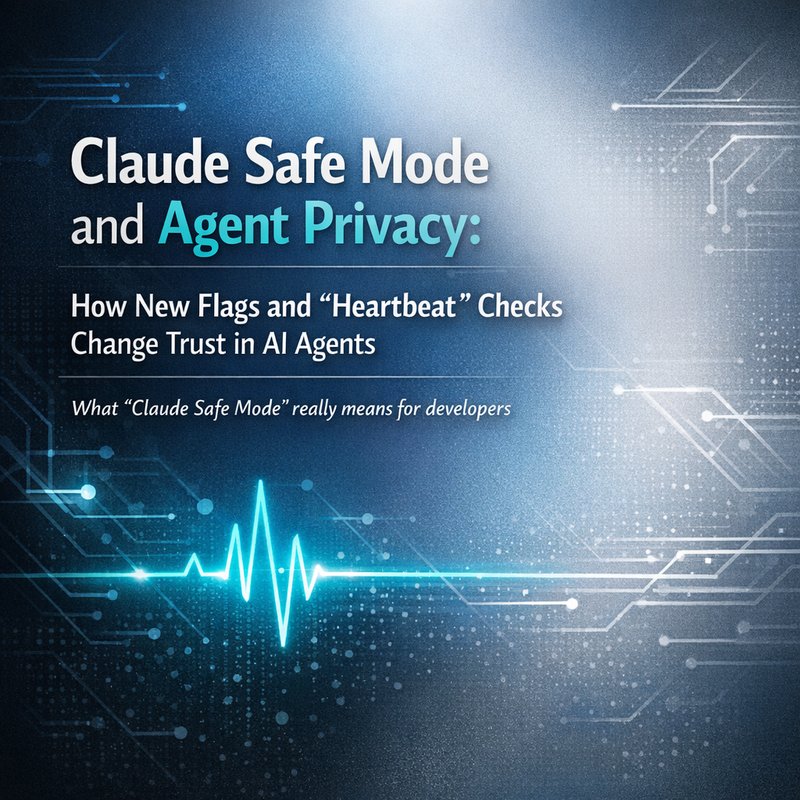
AI agents are getting more capable, but trust is still the hard part. This week, one update stood out to me: Claude Safe Mode, a new claude --safe-mode flag that helps developers troubleshoot by turning off custom plugins, MCP servers, and hooks. At the same time, another change caught my eye: new “Heartbeat” checks that hide internal chain-of-thought from end-users on messaging platforms. If you build or deploy agent workflows, these two ideas, taken together, point to where AI is going next: safer development runs and better privacy defaults.
In this article, we’ll break down Claude Safe Mode in plain language, what it solves, how it fits into modern agent stacks, and what to watch for when you care about privacy, debugging, and user trust. We’ll also connect these changes to the wider trend showing up across the ecosystem, from agent tooling releases to “autonomous worker” style software delivery.
For transparency, this article references the search results you provided, including the claude --safe-mode update and the “Heartbeat” reasoning privacy change.
Primary sources from your research results
- Safe Mode flag: https://jangwook.net
- Claude Code release mention: https://classmethod.jp
- “Heartbeat” privacy change: GitHub link in your search results
(If you want, I can format these into a clean sources box for your CMS.)
What “Claude Safe Mode” really means for developers
A lot of people hear “safe mode” and imagine it’s about safety in the ethical sense, like preventing harmful ideas. That’s not the main point here.
Claude Safe Mode is about debugging control. The new claude --safe-mode flag disables custom plugins, MCP servers, and hooks.
Why that matters (in normal English)
When an agent fails, the failure might not be in the model itself.
It could be happening because:
- A plugin transforms prompts in a weird way.
- An MCP server returns partial tool schemas.
- A hook logs or edits text.
- A custom integration breaks tool calling.
- A performance tweak causes timing issues.
So the safe-mode idea is simple: if you remove extra moving parts, you can tell whether the agent is failing because of the core behavior or because of the add-ons you attached.
A quick mental model: “core vs extras”
Think of your AI agent as:
- Core: model reasoning, tool calling, basic orchestration
- Extras: plugins, MCP servers, hooks
When you run Claude Safe Mode, you are testing only the core.
That changes the debugging equation completely, because you stop guessing.
When you should use Claude Safe Mode
Use it when:
- Tool calls fail only in certain environments
- You see “works on my machine” behavior
- You accidentally ship a broken plugin or hook
- You suspect a third-party MCP server is corrupting tool inputs
- You want clean logs for a bug report
If you run Claude Safe Mode and the agent works perfectly, that’s a strong clue. The core is fine. The problem is likely in one of the extras.
How to debug agent failures using Claude Safe Mode
Let’s make this practical. Imagine you have a workflow where the agent:
- Reads a user task
- Calls tools (like document analysis or web actions)
- Produces a final answer
Then it fails, maybe with:
- tool_call parsing errors
- wrong tool selected
- empty tool outputs
- weird “prose tool calls” instead of structured calls
Step-by-step debugging flow
Step 1: Reproduce with safe mode first
Run your agent with claude --safe-mode.
If the failure disappears:
- You know the bug is probably in plugins, MCP servers, or hooks.
If the failure remains:
- The bug is more likely in your core orchestration, tool definitions, or prompt design.
Step 2: Add extras back one group at a time
This is the classic divide-and-conquer approach.
For example:
- Re-enable plugins only
- If it fails, you’ve narrowed the issue to plugins.
- If it works, re-enable MCP servers next.
- If it fails then, you found the culprit group.
This is faster than turning everything back on and hoping for the best.
Step 3: Check tool schemas and tool call formatting
Even without going too deep, tool calling failures often come from mismatches like:
- tool name mismatch
- wrong argument shape
- missing required fields
- tool output not matching what the agent expects
When the model receives confused tool schemas, it may respond in ways your runtime doesn’t parse.
Step 4: Lock in “known-good” runs for comparison
You want a repeatable test case.
Record:
- the user prompt
- the tool list state
- the runtime version
- safe-mode vs normal-mode output behavior
Then you can compare runs without relying on memory.
Why privacy changes matter: “Heartbeat” checks and hidden reasoning
Now let’s talk about the other half of this story: privacy.
Your search results mention Reasoning Privacy where “Heartbeat” checks hide internal chain-of-thought from end-users on messaging platforms.
This matters because chain-of-thought is not just “extra text.” It is internal decision structure. If a system leaks it, users may:
- misunderstand it
- quote it incorrectly
- or treat it like guaranteed truth
Plain-English meaning of “Heartbeat”
Without needing the full implementation details, think of “Heartbeat” as:
- a periodic check that the system is still operating normally
- while keeping internal reasoning hidden from the user-facing chat stream
In other words, the system can prove it’s alive or functioning without dumping private internal reasoning.
The real trust problem: users misread internal reasoning
I’ve noticed something in real-world deployments.
When internal reasoning appears in chat, people tend to:
- trust every token as if it’s a final explanation
- copy parts of it into reports
- judge the system based on messy intermediate thoughts
So hiding internal reasoning can lead to:
- clearer final answers
- fewer user mistakes
- less accidental leakage
A helpful comparison: “debug info” vs “user chat”
For developers, debug logs are useful.
For end-users, debug logs can be confusing or risky.
So “Heartbeat” privacy aligns with a common design goal:
- keep internal reasoning available to developers through logs and tools
- keep user chat clean and safe
If your agent is used in team messengers, this is even more important.
Claude Safe Mode + Heartbeat privacy: the combo you actually want
Here’s the key part.
Claude Safe Mode improves your debugging reliability by removing extras.
The “Heartbeat” privacy change improves user trust by reducing reasoning leaks.
Together, they point to a broader system design checklist:
You want three layers, not one
-
Stable debug runs
- safe mode to isolate core behavior
-
Privacy by default
- hidden reasoning output
-
Developer visibility in the right place
- logs, metrics, internal traces, but not in the user chat stream
If you only do one of these, you get either:
- messy debugging with unclear root causes
- or unclear trust with internal reasoning leaks
Doing both helps create a complete loop:
- develop faster
- deploy safer
- explain decisions better
What this says about “agent platforms” in 2026
Your search results also show loud signals from the ecosystem.

For example, there’s a release about remote control of agents from a phone app, and there’s mention of an “Autonomous Worker Agents” launch for software delivery that replaces fixed CI/CD scripts with reasoning agents.
These trends share two themes:
- Agents are becoming more integrated into normal product workflows
- People are starting to demand better safety and privacy controls
So updates like Claude Safe Mode should not feel random. They’re part of the same push: make agent behavior predictable and inspectable.
Remote steering increases the need for safe debugging
If agents can be remotely steered, you need fast ways to confirm what changed.
Safe-mode style runs become a practical tool for:
- support teams
- incident response
- and quick fixes when integrations break.
Autonomous delivery increases the need for reasoning privacy
When agents run in CI/CD style pipelines, it’s tempting to show internal thinking to humans monitoring the process.
But the “Heartbeat” idea suggests the opposite:
- keep internal details hidden
- surface results clearly
- and hide chain-of-thought in user-facing channels
A simple checklist you can use today
If you build agent systems, here’s a quick checklist to adopt the spirit of these updates.
Debugging checklist
- Can you run a minimal version of the agent that disables plugins, MCP servers, and hooks?
- Do you have a repeatable test prompt and tool set?
- When failures happen, can you isolate whether the bug is core vs extras?
- Do you store safe-mode outputs for comparison?
That’s the “Claude Safe Mode mindset.”
Privacy checklist
- Are you hiding internal reasoning from end-user chat or messaging platforms?
- Are you using “heartbeat” style signals in a way that doesn’t leak internal chain-of-thought?
- Are you differentiating between developer logs and user chat content?
That’s the “reasoning privacy” mindset.
Where Neura fits (and where it doesn’t)
Neura builds integrated AI workflows with agent routing and tool connections, like Router Agents that can route tasks based on user intent. If you’re using a multi-tool setup, the same problems show up:
- integrations can break
- tool calling formats can mismatch
- and different chat surfaces might require different privacy behavior
If you want a way to organize and route tasks across agents and apps, you can explore Neura’s platform here:
And if you’re looking for security scanning related to API key exposure, Neura has a dedicated tool:
This article is not claiming Neura implements Claude Safe Mode or the specific “Heartbeat” mechanism. It’s showing how these ideas impact agent design. You can still take the debugging and privacy lessons into your own stack.
The bottom line
AI agents are moving into real products, not just demos.
That means two things must improve at the same time:
- Debugging must get easier, because integrations multiply quickly.
- Privacy must get better, because internal reasoning can confuse users or leak sensitive decision details.
Claude Safe Mode gives developers a cleaner way to isolate failures by disabling plugins, MCP servers, and hooks.
“Heartbeat” reasoning privacy gives users a safer chat experience by hiding internal chain-of-thought.
If you adopt both mindsets, you can ship agent workflows that feel more reliable and more trustworthy. And that’s what users actually notice.
Sources and references used from your search results
- Claude safe-mode
claude --safe-modeflag mention: https://jangwook.net - Claude Code release reference: https://classmethod.jp
- Reasoning privacy with “Heartbeat” checks: GitHub result in your search list
- Agent ecosystem signals (autonomous worker agents, remote control): PR and product links shown in your search results