Autonomous browser agents are small programs that can browse the web and do tasks for you without constant help.
These agents can fill forms, book tickets, shop online, search for info, and follow simple rules you give them. They can save time and make repeat work easier. Right now this topic is getting a lot of attention because companies like OpenAI and Google are rolling out tools that let agents act inside a real browser. You can learn what they do, how they work, and how to use them safely in this guide.
What are autonomous browser agents
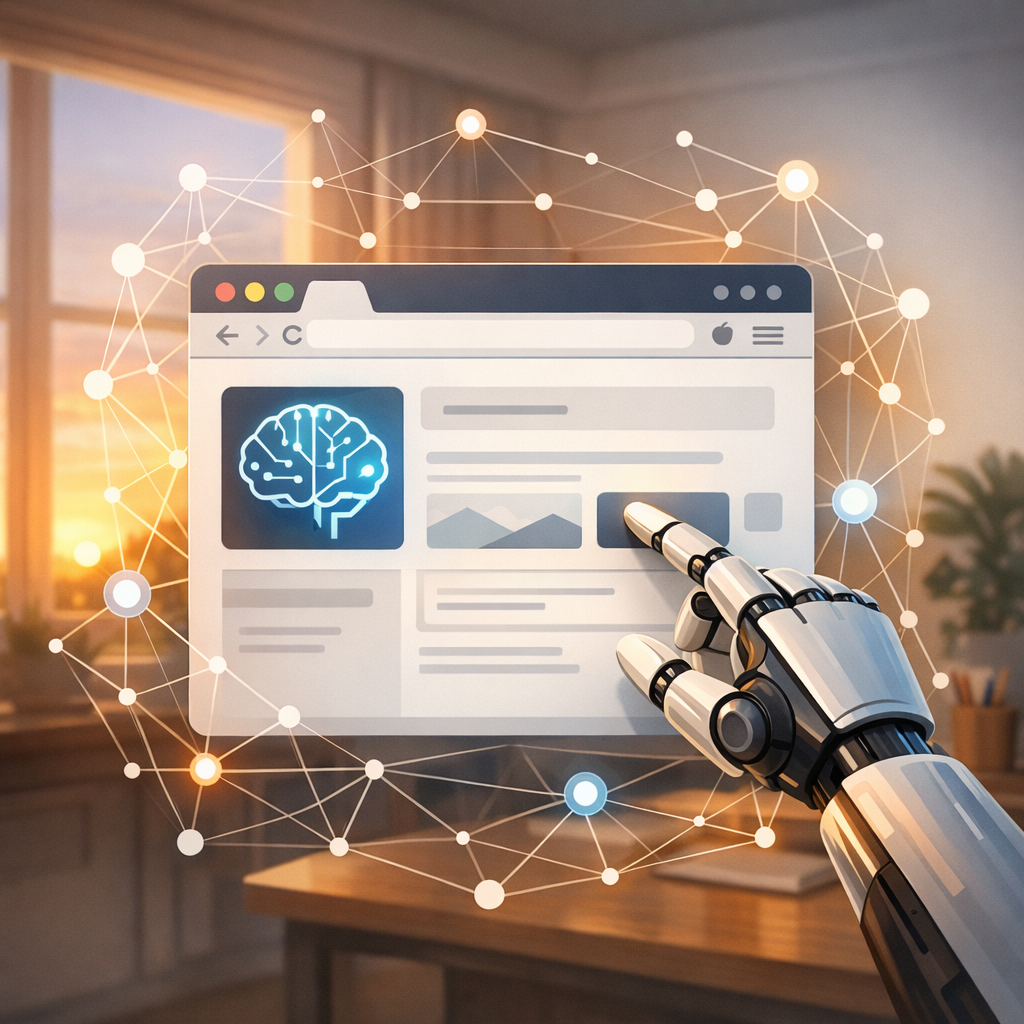
Autonomous browser agents are software that open web pages, click buttons, fill in text, and read results, just like a person would.
They can run on your computer or in the cloud. Some use simple scripts, and others use large language models to plan steps and make decisions.
Autonomous browser agents often combine two parts:
- A planner that decides what to do next.
- A browser controller that clicks and types on real web pages.
This mix lets them handle messy websites that do not offer clean APIs.
Why people care about autonomous browser agents today
New tools from big companies and open source projects make these agents more powerful than before.
OpenAI launched tools like the Operator that let agents access web pages and interact like a human.
Google showed Project Mariner that does similar work inside its systems.
At the same time, open source projects and tools like n8n are adding agent nodes to connect AI with browser actions.
That means more people and teams can build useful automations that actually work on live websites.
Real examples of what autonomous browser agents can do
These agents are already being used for useful, everyday tasks.
- Book a flight or hotel by visiting airline sites and filling in forms.
- Buy limited stock items fast by watching a product page and clicking buy when it appears.
- Extract contact info from company pages and add it to a spreadsheet.
- Fill job application forms across many sites with the same resume.
- Make purchases, book services, and schedule appointments with little human work.
Some enterprise versions can also combine shopping with business rules, like choosing cheaper options or applying coupons.
How they work under the hood
Most autonomous browser agents use these components:
-
A language model or planner.
The planner reads your goal and creates a list of steps.
It might rewrite actions if a page changes. -
A browser automation tool.
This uses Playwright, Puppeteer, or a headless browser to open pages, find elements, click, and type. -
A grounding layer.
This helps the agent turn text plans into specific page actions, like finding a button labeled "Buy now". -
Safety and policy checks.
These limit what the agent can do, like not sending payment info without approval.
Together these parts let agents adapt to imperfect pages while keeping a clear chain of what was done.
Building a basic autonomous browser agent: a simple plan
You can make a simple agent in a few steps.
-
Pick a planner.
Use a small LLM service or a scripted decision tree. -
Choose a browser controller.
Playwright or Puppeteer work well. -
Write step templates.
For example, "Open URL", "Find element by text", "Click element", "Type text". -
Add a loop to check results.
If a click failed, try a different selector or reload the page. -
Add logging and human approval.
Log meaningful actions and have a final approval step for money actions.
This is enough to get a working agent that can do tasks like form filling.
Tools and platforms to explore
There are many tools that help make autonomous browser agents safer and easier.
-
Playwright and Puppeteer for browser automation.
These let you control pages and run scripts. -
n8n with agentic nodes.
n8n now offers nodes for local LLMs and goal-seeking agents that can trigger browser flows. -
ClawSocial for social media automation.
It uses Playwright to post and interact on social platforms while mimicking human timing and patterns. -
OpenAI Operator and Google’s Project Mariner.
These are enterprise-level services that let agents act inside a browser with guardrails. -
Rocket.new for full stack Day 2 problems.
If you need tools for maintaining automations after launch, Rocket.new focuses on scaling and maintenance. -
Neura Router and other Neura apps.
If you want to plug many models into one API, Neura Router can help manage model choices and routing.
For more information on n8n and its agent nodes, see n8n.io.
For OpenAI, visit https://openai.com.
For Google cloud pages, see https://cloud.google.com.
Safety and privacy: what to watch for
These agents can be powerful, but they can also create risks.
-
Sensitive data.
Agents might access passwords, cookies, or payment info. Always limit access and require explicit approval for payments. -
Site terms.
Some sites forbid automated access. Read terms of service before automating. -
Fake actions.
Poorly built agents can post wrong content or leak data. Test agents carefully in a sandbox account. -
Detectability.
Sites may detect automation through patterns. Use respectful timing and avoid harmful scraping. -
API keys and secrets.
Store keys securely and rotate them often. Use environment variables and secret managers.
A strong safety plan includes audit logs, approval gates, and limits on what the agent can do without human sign-off.
Design patterns for reliable agents
Use these patterns to make agents less fragile.
-
Intent-only prompts.
Have the planner produce a short goal, not exact clicks. Let the grounding layer map goals to page selectors. -
Retry with backoff.
If an action fails, wait a bit and try again, then escalate to human review. -
Canary mode.
Run risky actions in read-only mode first to check results. -
Transaction logs.
Record page states before and after changes so you can roll back if needed. -
Modular steps.
Build small, testable steps like "log in" or "search product" that you can reuse.
These patterns help agents handle site changes and avoid strange failures.
When to use autonomous browser agents and when to avoid them
Good use cases:
- Tasks that must interact with live web pages and have no API.
- Repetitive tasks like form filling across many sites.
- Time-sensitive tasks like monitoring a product page.
Bad use cases:
- Anything that requires high trust, like direct access to a bank account without strong controls.
- Tasks that break site rules or cause user harm.
- When a stable API exists, prefer the API.
If an API exists, use it. If not, an agent can be a pragmatic choice with proper safeguards.
How teams use agentic frameworks in production
Teams often combine multiple systems for a safe rollout.
-
Development sandbox.
Build and test agents in a fake account or staging site. -
Human in the loop.
Require a person to confirm any money move or sensitive action. -
Rate limits and quotas.
Limit how many actions an agent can do in a time window. -
Monitoring and alerts.
Watch for failures and get notified on odd behaviors. -
Version control and change logs.
Track agent updates and keep a changelog so you can roll back.
These steps reduce risk and help teams trust agent behavior.
Open source and community projects to watch
The community moves fast. Watch these projects:
-
Grok and other open models.
xAI said it will open-source Grok 3, which could give more capability to on-device planners. -
Artifacto and open model hubs.
Tools that let you pick models such as Gemini or Qwen are helpful when you need different skills like vision or coding. -
Tools that support local runs.
WhisperClip and local STT tools let you keep data on device for privacy. -
Agent frameworks like n8n that treat AI as a first class node.
Open models and local tools let more teams run agents without sending data to external servers.
Cost and infrastructure choices
Decide where agents run and what models they use.
-
Local vs cloud.
Local runs keep data private but need more compute. Cloud runs scale easier but need strong security. -
Small models vs large models.
Small models are cheaper and faster. Large models make better decisions but cost more. -
Hybrid approaches.
Use a small local model for routine steps and a larger cloud model for complex planning. -
Caching and reuse.
Cache page patterns and selectors to avoid repeated planning work.
Consider costs for compute, storage, and monitoring when planning production use.
Case study example: booking a meeting across many sites
Imagine you need to set up demos on multiple scheduling pages.
- Agent reads a list of candidate times.
- It opens each scheduling page.
- It finds the available slots and tries the preferred time.
- If a slot is full, it picks the next available time and asks for human approval.
- It logs the confirmation email and updates your calendar.
This would save hours of manual scheduling and reduce errors from copy paste.
Ethics and fair use
Agents can affect other people. Think about these points.
-
Consent.
If the agent accesses personal data, get consent. -
Fair load on sites.
Avoid heavy scraping that hurts small sites. -
Disclosure.
Where relevant, tell users when an agent acts on their behalf. -
Bias.
Check decisions that the agent makes, especially if it affects hiring or selection.
Ethical design keeps agents useful without causing harm.
Future trends to watch
These areas will evolve quickly.
-
Multi-step memory.
Agents will remember past actions to avoid repeated prompts. -
Better grounding.
Tools will better map text plans to page actions, making agents more reliable. -
Cross-agent collaboration.
Multiple agents might team up, each with a specialty like vision or payments. -
Local-first agents.
Privacy-focused agents will run more steps on-device. -
New operator tools from big cloud providers and open source projects will make agents easier to manage.
Watch announcements from OpenAI and Google, as they will guide many enterprise choices.
How to start today with low risk
If you want to try autonomous browser agents, do this first.
- Start with read-only tasks like data extraction.
- Use a staging account or sandbox website.
- Limit the agent to non-payment actions.
- Keep a human approve step.
- Use Playwright or Puppeteer and a simple planner.
- Log everything and review logs daily.
Small safe steps let you learn without big exposure.
Tools and links to learn more
- Playwright and Puppeteer docs for browser control.
- n8n for agent nodes and automation. See https://n8n.io.
- OpenAI for operator ideas. See https://openai.com.
- Neura Router for model routing and integrations. See https://router.meetneura.ai.
- Neura products overview at https://meetneura.ai/products and the main site at https://meetneura.ai.
- Case studies at https://blog.meetneura.ai/#case-studies.
These pages can give step by step guidance and product options.
Final thoughts on autonomous browser agents
Autonomous browser agents make web tasks easier by acting like a human inside a browser.
They are practical today, but you must build them with care.
Start small, add safety checks, and monitor behavior.
If you do that, these agents can save time and make repetitive work less painful.