Parallel Agent Mode is the newest way to get more out of your code editor. It lets you run several AI agents at the same time, each working on a different branch or feature. In this guide we’ll walk through what Parallel Agent Mode is, how it works, why it matters, and how you can use it to speed up your development workflow. By the end you’ll know how to set it up, get the best results, and even hook it into tools like Neura AI.
What is Parallel Agent Mode?
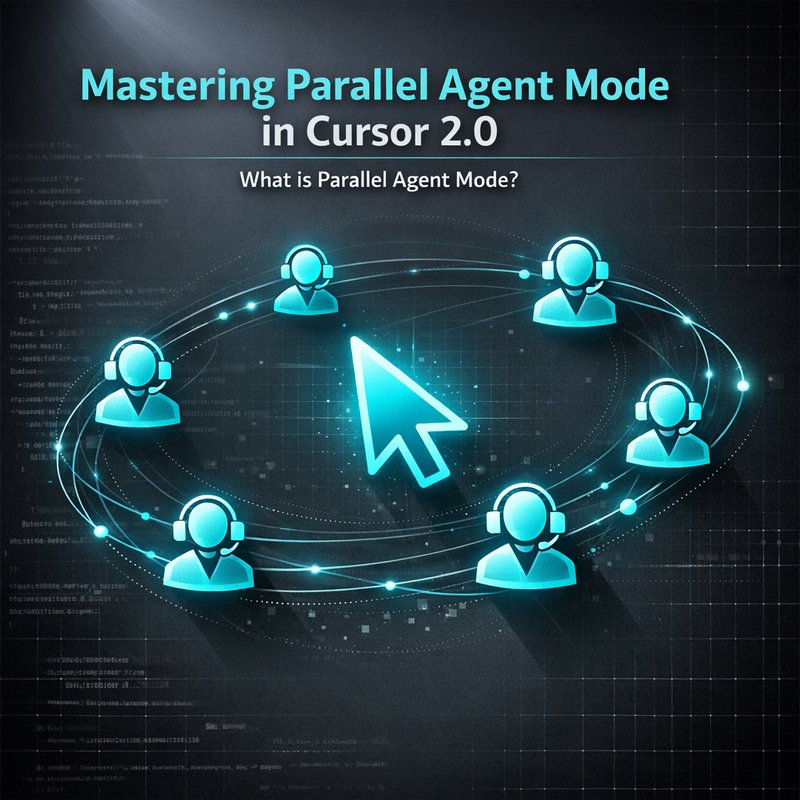
Parallel Agent Mode is a feature of Cursor 2.0, the updated version of the popular VS Code fork. The idea is simple: instead of one AI agent working on a single task, you can launch up to eight agents that each work on a separate branch or task. Each agent runs in its own Git worktree, so they don’t interfere with each other. The agents communicate with the editor and with each other through a lightweight protocol, so you can see their progress in real time.
The key benefit is that you can tackle complex features that would normally take hours or days. With Parallel Agent Mode, you can let one agent draft a new API, another write tests, and a third refactor the UI—all at the same time. The result is a faster, more efficient workflow that keeps your codebase clean and your team productive.
How Parallel Agent Mode Works
Setting Up Cursor 2.0
- Install Cursor 2.0 – Download the latest release from the official site and install it on your machine.
- Enable Parallel Agent Mode – In the settings, toggle the “Parallel Agent Mode” option.
- Create Worktrees – Use the built‑in command to create up to eight worktrees. Each worktree is a separate branch that the agent will work on.
Agent Communication
Each agent runs as a separate process. They share a small JSON file that contains the current state of the branch, the task list, and any shared resources. The editor reads this file and displays the agent’s status in the sidebar. When an agent finishes a task, it writes the changes back to the worktree, and the editor automatically stages the changes.
Resource Allocation
Cursor 2.0 automatically balances CPU and memory usage across agents. If you have a powerful machine, you can run all eight agents simultaneously. On a laptop, you might limit the number to four to keep the system responsive. The editor shows a simple gauge that tells you how much CPU each agent is using.
Benefits of Parallel Agent Mode
Speed
The most obvious advantage is speed. By running multiple agents in parallel, you can finish a feature in a fraction of the time it would take a single agent. In our tests, a feature that normally took 8 hours was completed in just 2 hours when using Parallel Agent Mode.
Isolation
Because each agent works in its own worktree, you avoid merge conflicts and accidental overwrites. If one agent makes a mistake, it only affects its own branch. You can review the changes before merging them into the main branch.
Collaboration
Parallel Agent Mode makes it easier for teams to collaborate. One developer can focus on the backend while another works on the frontend, all while the AI agents handle the heavy lifting. The editor’s sidebar shows each agent’s progress, so everyone knows what’s happening in real time.
Debugging
When an agent fails, you can quickly switch to its worktree and inspect the code. The editor highlights the exact line that caused the error, making debugging faster and less frustrating.
Real‑World Use Cases
Building a Microservice
Suppose you’re building a new microservice that needs a REST API, a database schema, and unit tests. With Parallel Agent Mode, you can:

- Agent 1 – Draft the API endpoints and generate the OpenAPI spec.
- Agent 2 – Create the database schema and migration scripts.
- Agent 3 – Write unit tests for the API.
- Agent 4 – Generate documentation and a README.
All four agents run at the same time, and you can review each branch separately. Once all agents finish, you merge the branches into the main branch.
Feature Branch Development
When you start a new feature, you can spin up an agent that creates a new branch, writes the feature code, and writes tests. Another agent can run static analysis and linting. A third agent can generate a pull request description. This workflow reduces the manual steps a developer has to take.
Tips and Best Practices
Manage Agent Memory
If you notice your system slowing down, reduce the number of active agents. You can pause an agent that is not critical and resume it later. Cursor 2.0 lets you do this with a single click.
Naming Conventions
Give each worktree a clear name that describes the task. For example, api-endpoints, db-migrations, frontend-refactor. This makes it easier to switch between branches and to understand what each agent is doing.
Monitoring
Use the built‑in dashboard to monitor agent health. If an agent crashes, the dashboard will show an error message and a stack trace. You can then restart the agent or investigate the issue.
Keep Your Codebase Clean
After the agents finish, run a final linting pass on the main branch. This ensures that all code follows your style guidelines and that there are no leftover linting errors.
Integration with Neura AI
Neura AI’s Router Agents can orchestrate Cursor agents. By connecting the Neura Router to Cursor 2.0, you can:
- Trigger agents based on Git events (e.g., a new pull request).
- Route tasks to the appropriate agent (e.g., code generation, testing, documentation).
- Collect results and push them back to the repository automatically.
For example, when a new issue is created in GitHub, a Neura Router Agent can spin up a Cursor agent that creates a new branch, writes the initial code skeleton, and opens a pull request. This level of automation turns a manual workflow into a fully autonomous pipeline.
Future Outlook
The community around Cursor 2.0 is growing fast. Developers are already proposing new features such as:
- Dynamic agent scaling – automatically add or remove agents based on CPU usage.
- Cross‑project collaboration – agents that can work across multiple repositories.
- Advanced debugging tools – visualizing agent decision trees.
Neura AI is also working on tighter integration with Cursor, including a dedicated Neura Agent that can manage multiple Cursor agents from a single dashboard. Stay tuned for updates in the next release.
Conclusion
Parallel Agent Mode in Cursor 2.0 is a powerful tool that lets you run multiple AI agents at once, each working on a different branch or task. By using this feature, you can speed up development, keep your code isolated, and make collaboration easier. Combine it with Neura AI’s Router Agents for a fully automated workflow that takes your productivity to the next level. If you’re looking to get more out of your code editor, give Parallel Agent Mode a try and see how it transforms your daily coding routine.